


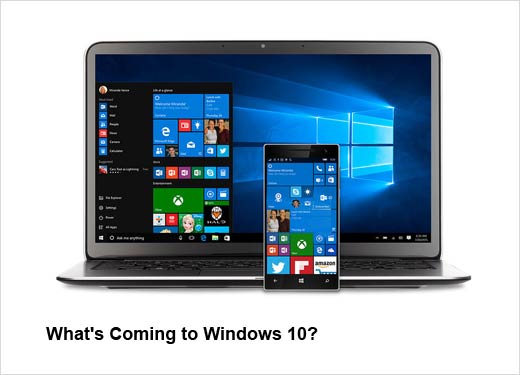
It’s been about a year since Microsoft released its Windows 10 operating system — a system for which Microsoft rigorously courted developers and users to avoid the disastrous failure of Windows 8. Listening to feedback from users, Windows 10 saw the return of familiar features such as the Start menu, task bar and desktop. But the OS also introduced new features, such as full integration between PCs, mobile devices and Xbox One (allowing users to have a seamless experience despite the device being used), a new browser in Microsoft Edge, Cortana (a digital personal assistant) and innovative new security capabilities.
So what can we expect in the future? In this slideshow, we’ve highlighted some of the innovative new futures that will be included in this year’s Windows 10 Anniversary Update, expected later this year.
What’s Coming to Windows 10?
Click through for some of the new features that will be included in Microsoft Windows 10 Anniversary Update, expected later this year.
Windows Ink
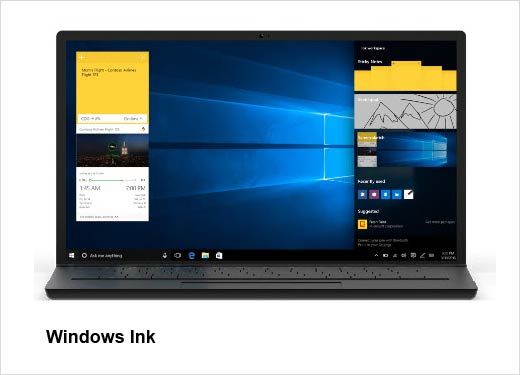
For those who like working with more flexibility and don’t like being tied to a keyboard, Microsoft is introducing Windows Ink. Using a pen or fingertip, users will have the capability to jot down notes using Sticky Notes or edit Office documents. Users will also be able to draw diagrams and watch them turn into the real thing on the computer. And because Windows Ink stays active when your device is locked, you’ll be able to jot down notes even when you don’t have time to enter a password. Windows Ink requires a touch-enabled device and the pen will be sold separately.
Cortana
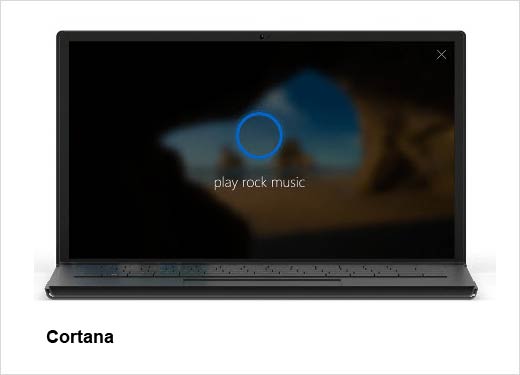
In the Anniversary Upgrade, Cortana will be accessible even before you log in to your system. Whether you want to make a note, play music or set a reminder, Cortana will have you covered.
Windows Hello
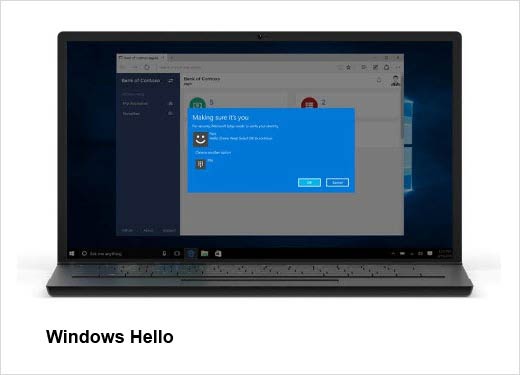
Presently, Windows Hello lets you unlock your PC and devices with facial recognition or a quick touch. The new Windows Hello will also let you unlock your PC simply by tapping your Windows Hello-enabled phone. It will also give you instant access to paired apps and protected websites on Microsoft Edge. Windows Hello requires specialized hardware, including fingerprint reader, illuminated IR sensor or other biometric sensors.
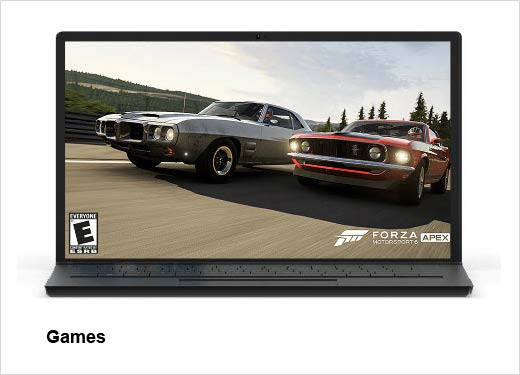
Games
Windows 10 will also deliver DirectX 12 games and Xbox Live features that will enhance your gaming experience. Users will be able to connect and play games over all devices. Additionally, Microsoft Studios is introducing a full range of new games for Windows 10.