


AVG Technologies, provider of Internet and mobile security to 146 million active users, recently released tips on how users can remove personal data before they recycle or throw away old smartphones. In an era of frequent and seamless device upgrades, it’s easy to ditch an old handset and move on to the next. However, chances are the old device has personal information lingering on it, putting users at a greater risk of identity theft.
“Think about all the personal data stored on your phone: text messages, emails, even intimate photos of you or your significant other,” said Tony Anscombe, senior security evangelist at AVG. “Consumers are now carrying more and more personal information on their devices, and AVG wants to ensure everyone is well equipped to wipe out that data when the time comes. Your identity is essentially yours to lose, so take every precaution possible to stay safe.”
While the factory reset button seems like the logical place to start, numerous industry and security experts report that even after consumers carry out this exercise, personal information often remains. The following tips will help ensure private information is erased.
Click through for tips on steps you should take before discarding old mobile devices, as identified by AVG Technologies.
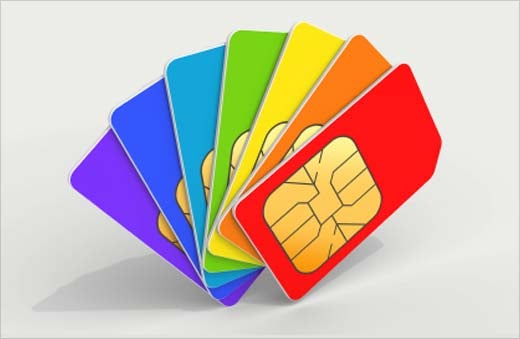
Remove the memory and SIM cards. Both store personal data and are best kept safe in your possession or destroyed.
Use a data removal application to ensure data really is deleted. Android users can use AVG AntiVirus Free™, for example. For other platforms, there is a list of apps available on the CTIA web site.
Once the data is deleted, then run a factory reset. Instructions can be found on manufacturers’ or carriers’ websites.

If you are going to simply throw away your mobile phone, older handsets can contain toxic materials. Consult your local authority or drop it off at a mobile phone retailer, where they will be able to dispose of it correctly. Additionally, there are specialist companies that will take it apart and recycle each component.
Of course, recycling or handing it on for use is a good option; there are many charities and organizations that redistribute old phones and will even send you a pre-paid postage box to send it in. Just search on the Internet for the many options!