


Google has officially launched Google Wallet, a free app that facilitates “wireless and wallet-less” purchases via PayPass. This new app is in line with the emerging trend of paying for products and services with smartphones or digital wallets. While these evolutionary electronic payment methods can lighten a consumer’s wallet, they can also open access to heavy identity theft dangers.
Said Jeff Paradise, executive director of IdentityHawk, a leading identity theft protect service, “The first step you should take before using a digital wallet is going through the simple steps of PROTECT. Following these steps will help make sure that when you make your first purchases you do not open yourself up to the risk of identity theft.”
IdentityHawk provides the following tips for identity protection while using digital wallets.
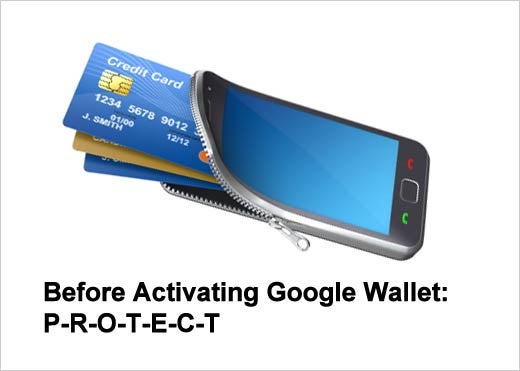
Click through for seven tips on protecting your Google Wallet, as identified by IdentityHawk.
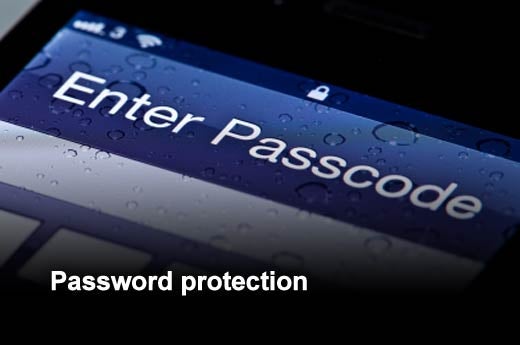
Smartphones often allow easy access to personal identity information – now they are starting to regularly keep account information. Password protection adds an extra layer to protect against digital identity thieves.

This is recommended before signing any agreement, but particularly new electronic payment agreements, as they are a relatively new market. Know what you are getting yourself into, what risks are involved and what protections are offered.
Whether you are paying with an actual credit card or you have “an app for that,” paying with a credit card will provide more identity protection than debit cards, pre-paid cards, or cash.
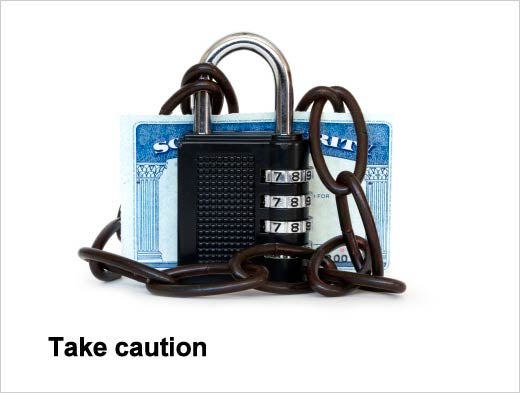
Don’t share your personal identity information (SSN, account information, passwords, etc.) unless it’s absolutely necessary.

Make sure you have hard copies of all your personal identity information in a safe place. Some identity protection services have e-wallet features, which is a secure place to keep personal identity information online as well.
Make sure all the transactions reported on were made by you. If you find any suspicious activity, immediately contact the card issuer to dispute the charge. Google Wallet doesn’t provide the details of a transaction, only the date and time. So, extra account monitoring should be performed when using this feature.
In case your digital wallet is stolen, make sure you know the number of your wireless provider so that you can call and cancel the service, report a theft, and what steps to take.