


Google Apps provides a less expensive, Web-based alternative to traditional proprietary software. In addition to the standard Gmail, Calendar and Doc features, there are a wide variety of integrated mobile apps available that add functionality to Google Apps. These integrated apps also include single sign-on capability, thereby limiting the number of passwords users must remember. This slideshow features 10 of the highest-rated project management software apps for project management from the Google Apps Marketplace.

Project Management Apps
Click through for 10 of the highest-rated apps for project management from the Google Apps Marketplace.
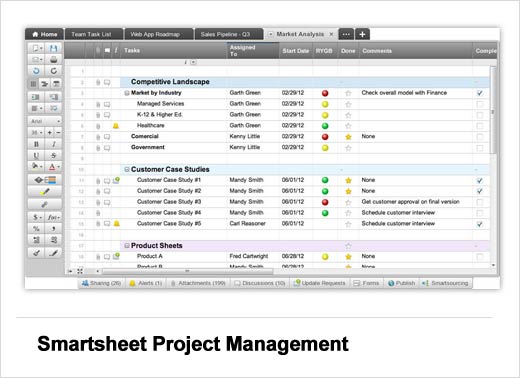
Smartsheet Project Management
Smartsheet Project Management takes a familiar spreadsheet-like interface and turns it into a powerful online project management tool, integrating features such as Gantt charts, dependencies, sub-tasks, file attachments, calendar views and automatic reminders.
Cost: Plans starting at $14 per month
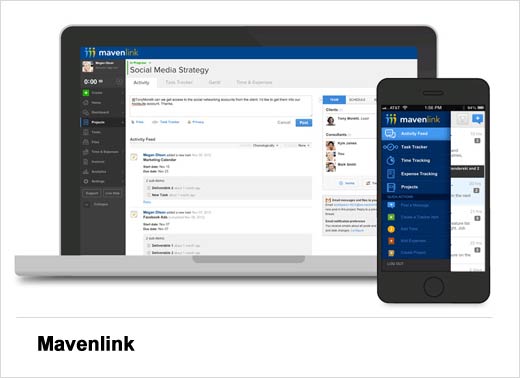
Mavenlink
Mavenlink is an online collaboration solution that allows you to manage projects from start to finish, including communications, docs, tasks, scheduling, time tracking, invoicing and payments. Mavenlink integrates with Google Docs, Calendar, and Contacts. Your networks, communications, project notifications, due dates, and deliverables related to your working world are captured in one place: your Mavenlink dashboard.
Cost: Free 10-day trial / Plans start at $4 per month per user
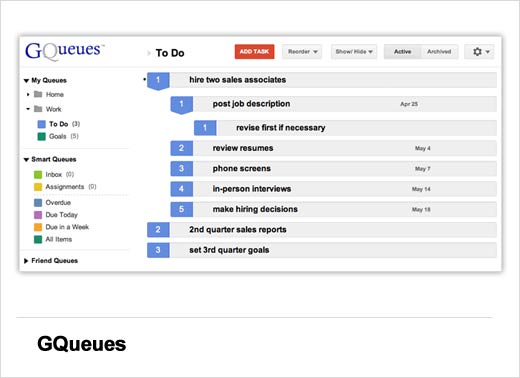
GQueues
GQueues is an integrated task manager that will help you get organized and keep projects on track. GQueues integrates with Google Calendar and allows you to set due dates and automatic reminders for repeating tasks. The collaboration features allow you to share the task list with coworkers and assign tasks as needed.
Cost: GQueues Lite – Free / GQueues – Free two-week trial then $25 per user per year
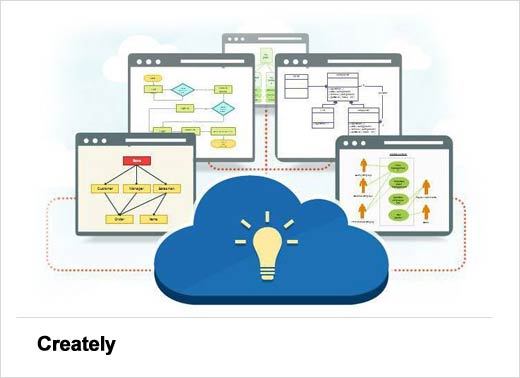
Creately
Creately is an online diagramming application that allows project teams to collaborate more effectively through the creation of diagrams, wireframes, flowcharts and mind maps. Team members are able to easily collaborate on diagrams and leave review comments. The app contains many quick-start templates and a wide selection of objects and shapes for just about any business, design or development project.
Cost: Plans starting at $5 per month
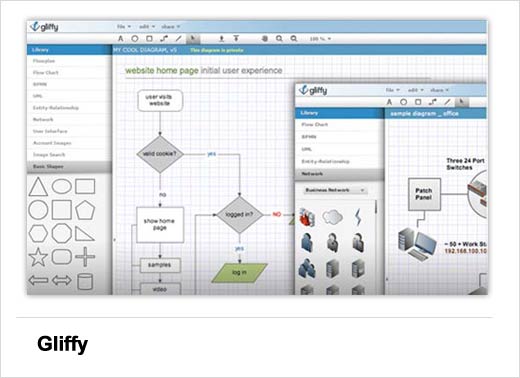
Gliffy
Gliffy is a Web-based tool that allows you to quickly create diagrams and turn complex information into easily understood images. Users are able to share diagrams or invite others to collaborate on one. The Revision Control feature automatically keeps a copy every time a document is saved, so you can track changes or revert to an earlier version. An extensive shape library is available to complement most any diagram.
Cost: Free 30-day trial / Free basic account / Subscriptions start at $4.95 per month per user
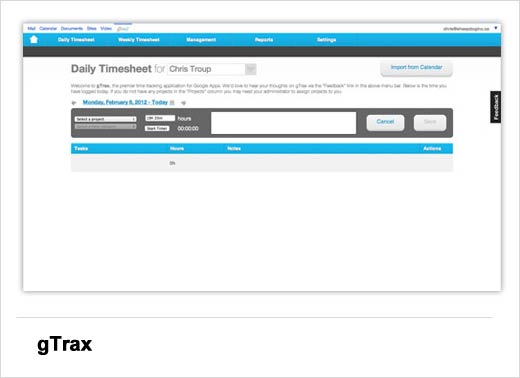
gTrax
gTrax is a time tracking application that helps the project management process by tracking and reporting time spent on projects by employee. It is accessible from the universal toolbar in Google Desktop, and allows for new time tracking entries to be imported from Google Calendar. Managers are able to assign tasks to users and record the daily progress made on assignments.
Cost: Free for up to three users
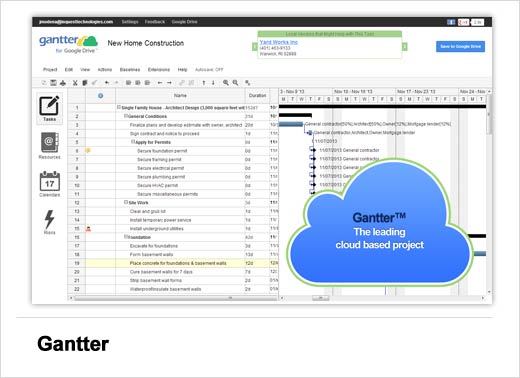
Gantter
Gantter is a Web-based project management tool that allows you to plan and estimate your project duration, work, and cost by separating the project into smaller tasks. You can manage resources and assign tasks, while tracking the project’s progress through % completion values for each task and setting milestones. Results are saved in XML format and are compatible with Microsoft Project.
Cost: Free
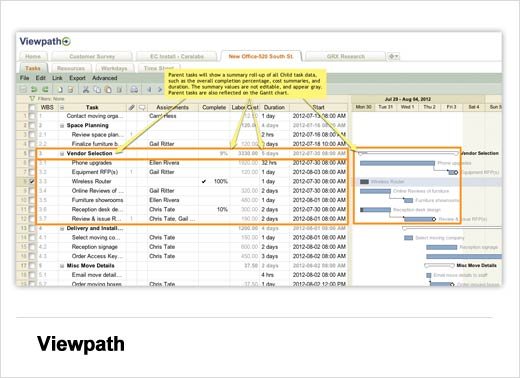
Viewpath
Viewpath is an online project management solution where you can create collaborative workspaces for each project, allowing team members to visualize, organize and prioritize project tasks. Features include a timeline/Gantt charts, daily activity dashboards, search and report generation.
Cost: Starter – Free / Other plans start at $15 per month
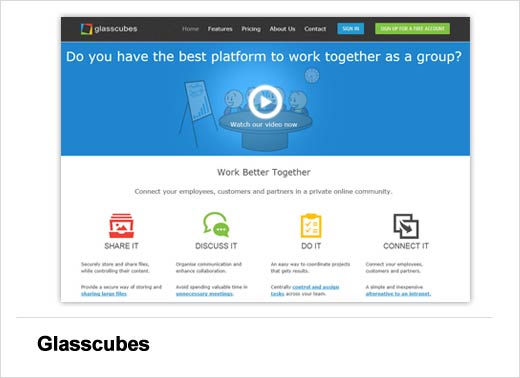
Glasscubes
Glasscubes is an online hub that allows you to communicate and collaborate through project Cubes with people inside and outside your organization. In the online workspaces, you can share, edit, and leave comments on files. The application also allows for tasks to be scheduled through a shared calendar, and provides a free conference call service.
Cost: Free for up to five users
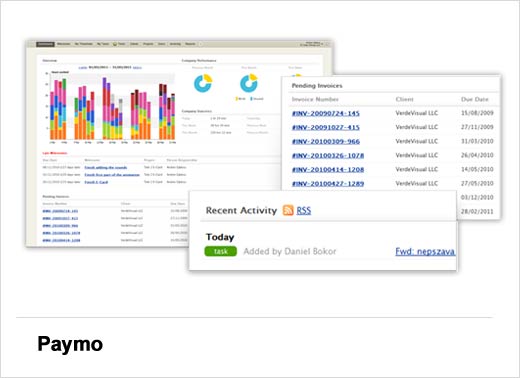
Paymo
Have you or your business ever “approximated” the amount of time allocated to projects when billing clients – yet you always seem to work for more hours than you are paid? Paymo is the ideal solution for development teams, creative agencies, accountants, consultants, non-profits and teams that need to track time, manage projects and easily create invoices based on their time-sheets.
Cost: Free / Basic – $9.95 per month / Premium $14.85 per month