


 Paul Mah dabbles with a large number of software applications in the course of his work, either to review them or in a bid to find better tools for his personal use. Given the versatile nature of the iPad tablet, he’s decided to compile a short list of his favorite apps that the iPad-toting worker may want to consider.
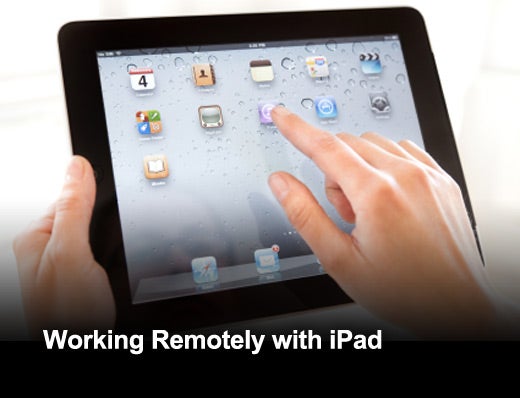
Click through for five iPad apps that are especially useful for workers on the go.
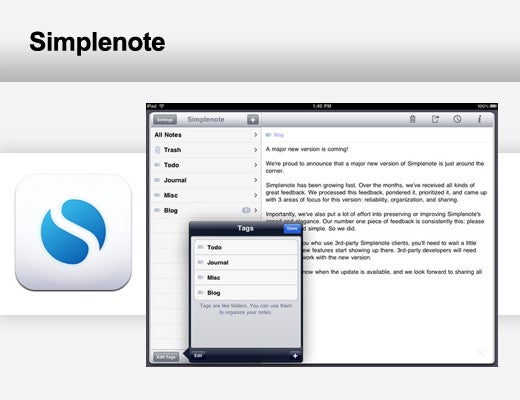
Simplenote is an iOS app that automatically syncs text data to a cloud-based storage where it can be propagated across disparate handheld devices or computers. This is made possible by a growing list of freeware and commercial applications that implement the Simplenote API to retrieve and sync the stored text. There are about three dozen entries on the Simplenote downloads page at the moment, which include platforms such as Windows, Mac OS X, Linux, Android BlackBerry Tablet OS and webOS. Browser extensions for Firefox and Chrome are also available. On its own, the Simplenote app is a highly initiative software that offers full text search, support for tags and versioning.
Requirements: Compatible with iPhone, iPod touch and iPad. Requires iOS 3.1.3 or later.
Cost: Free
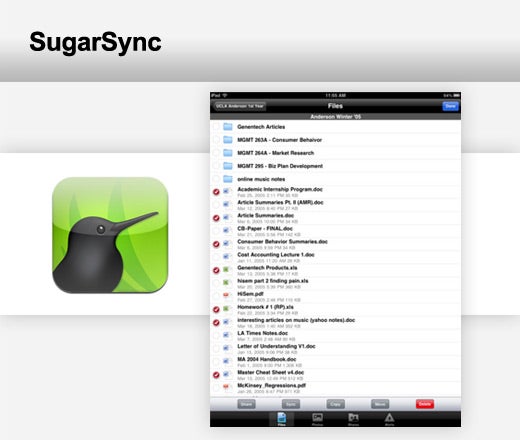
The SugarSync app brings the power of SugarSync to the iPad. SugarSync is a powerful cloud-based storage service that has been highly praised for its ability to automatically sync selected folders to the online service. With the SugarSync app, it is possible to perform many of the tasks usually do-able only from the desktop, such as sharing of files via email or downloading files or entire folders for faster, offline viewing. Changes made to documents are also automatically updated for continuation from a desktop, while photos and videos taken on the iPhone or iPad can be backed up over the air.
Requirements: Compatible with iPhone, iPod touch and iPad. Requires iOS 3.0 or later.
Cost: Free
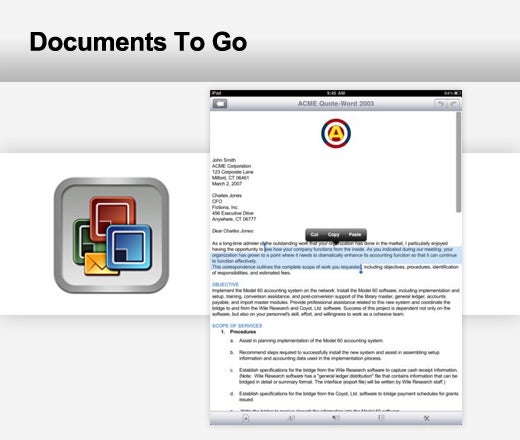
With 13 years behind it, the technology behind Documents To Go can be found on other devices such as the BlackBerry and Android platforms. Documents To Go for the iOS platforms brings high-fidelity viewing and editing of Microsoft Office documents on the iPad. The Premium version supports the creation and editing of Word, Excel and PowerPoint files, and also comes with the ability to work with popular cloud services such as Dropbox, iDisk and SugarSync. The cheaper non-Premium version limits editing to Word and Excel documents and offers no cloud capability.
Requirements: Compatible with iPhone, iPod touch and iPad. Requires iOS 3.2 or later.
Cost: $16.99
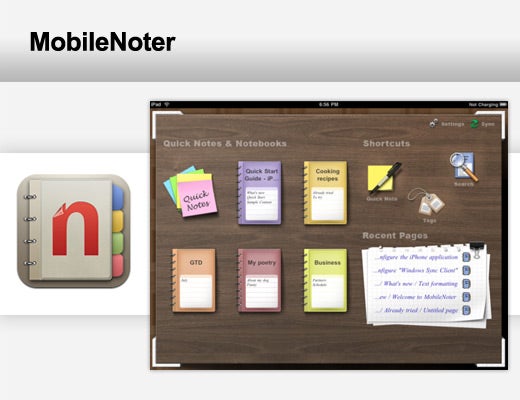
A powerful and multifunctional note-taking application, the greatest strength for MobileNoter for iPad is really its ability to sync with Microsoft OneNote. Synchronization of data can either be performed via Wi-Fi, or over mobile wireless networks. While the app itself is free, the developer makes money by selling a Wi-Fi-only sync client or a subscription-based cloud service. Paul makes use of Microsoft OneNote to keep track of story ideas and reviews, and he’s found the ability to review or add in new OneNote notebooks on his iPad to be invaluable.
Requirements: Compatible with iPad. Requires iOS 3.2 or later
Cost: Free
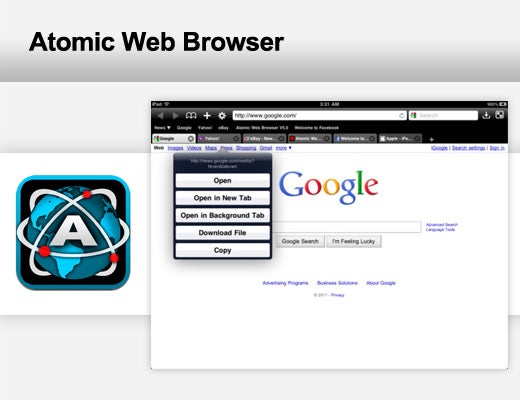
The Atomic Web Browser is possibly the best alternative browser available for the iPad, and is even capable of some tasks that Safari cannot perform. For example, the browser can be heavily customized, can incorporate desktop style tabs that load simultaneously and comes with video-out support to display Web pages on a projector. In addition, Atomic Web Browser will even respond to a number of multi-touch gestures and comes with a built-in ad blocker (disabled by default). Other notable features in its long list of capabilities include support for Read It Later, Instapaper and Facebook/Twitter integration. Indeed, Paul makes use of Atomic Web Browser to view websites that won't load properly on Safari for him.
Requirements: Compatible with iPhone, iPod touch and iPad. Requires iOS 3.0 or later.
Cost: $0.99