


Hackers are taking advantage of Android’s open source platform, as there has been an astonishing increase in exploits involving the mobile OS over the past year. With the number of Android phones in use increasing daily, it’s essential that users protect their data. With that in mind, we’ve compiled a list of the top security apps in the Android Marketplace.
Android Security
Click through for 15 top Android security apps from the Android Marketplace.
Lookout Mobile Security
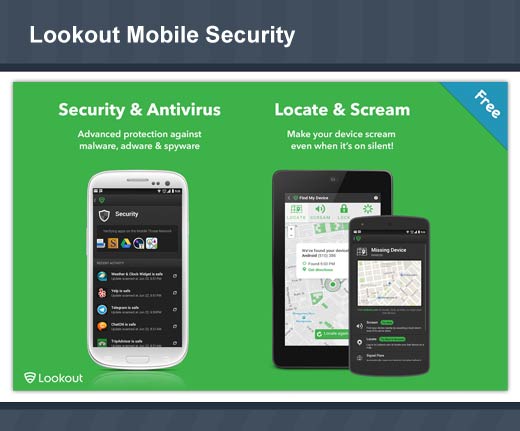
Lookout Mobile Security helps you protect your phone and includes AntiVirus, Backup and Find My Phone. The app allows you to block viruses, malware and spyware by scanning every app you download. Backup allows you to back up your contacts and photos, as well as restore data to a new or existing phone. Find My Phone can help you pinpoint your phone on a map, activate a loud alarm to find your phone, and if necessary remotely wipe your data if your phone is lost or stolen.
Cost: Free
AVG AntiVirus Free
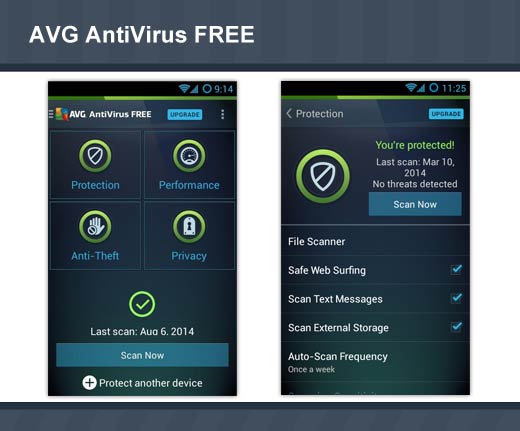
With the AVG AntiVirus app you’ll receive effective, easy-to-use virus and malware protection, as well as a real-time app scanner, phone locator, task killer, app locker, and local device wipe to help shield you from threats to your privacy and online identity. Real-time security scanner protection keeps you protected from downloaded apps and games.
Cost: Free
mSecure
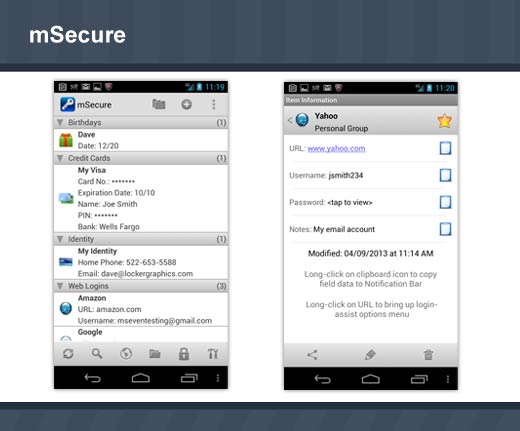
mSecure is a password and data manager that offers a convenient and secure solution to store information on Android devices. Use mSecure to safely store sensitive and important information like Web logins and passwords, credit card numbers, frequent flyer and social security numbers, and any other data you want quick, easy access to while on the go. mSecure uses an industry-proven data encryption method so your information is safe guarded should your device be misplaced or stolen.
Cost: $9.99
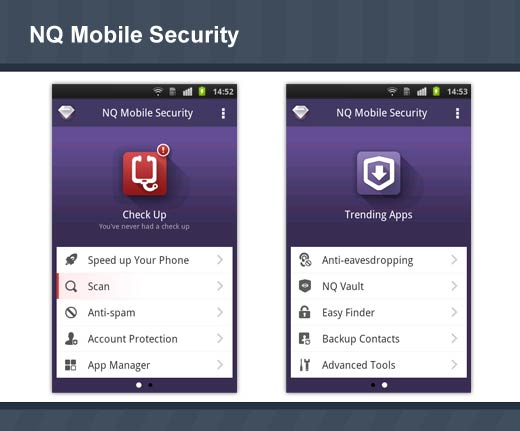
NQ Mobile Security
With three international independent test agency approved certifications, NQ Mobile Security not only offers superior antivirus capabilities, privacy protection and anti-spam features, but also covers your Android smartphone with real-time Internet, online shopping and banking, social chat and games account protection, boosts your mobile speed and secures your mobile world completely.
Cost: Free
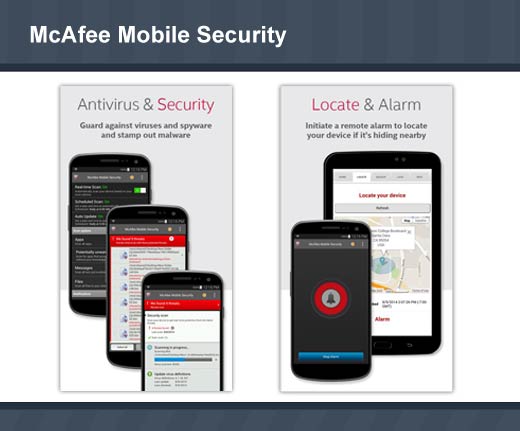
McAfee Mobile Security
McAfee Mobile Security protects your Android phone or tablet with award winning anti-theft, find device, app privacy protection, antivirus and security features from the Intel Security Group. You can also upgrade to their premium features, which include award-winning phone support, media backup and an ad free app environment. *McAfee LiveSafe and All Access users will automatically receive the premium version.
Cost: Free
McAfee Mobile Security protects your Android phone or tablet with award winning anti-theft, find device, app privacy protection, antivirus and security features from the Intel Security Group. You can also upgrade to their premium features, which include award-winning phone support, media backup and an ad free app environment. *McAfee LiveSafe and All Access users will automatically receive the premium version.
Cost: Free
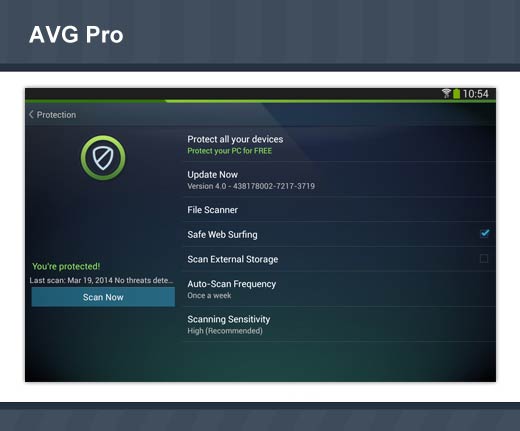
AVG AntiVirus Pro
AVG AntiVirus Pro protects Android devices from malware, viruses and spam SMS. You are able to scan apps, settings, files and media in real time; find your lost or stolen phone via Google maps; eliminate tasks that slow your phone down; run daily, weekly or on demand scans; lock or wipe your phone remotely; and set a lock screen message to help the locator find you.
Cost: $14.99
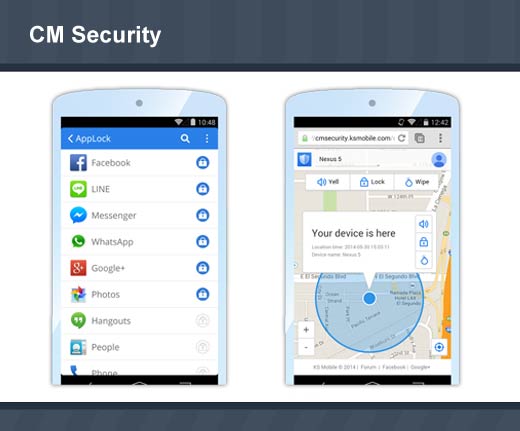
CM Security
CM Security helps protect your mobile device from the latest threats, including the Shellshock Bash bug. CM Security includes an appLock feature that allows you to lock your photos, gallery and messages from prying eyes, a RAM and CPU booster, anti-theft locater feature that allows you to control your device remotely, and provides real-time scanning of new apps and updates. You can also block harassing phone calls.
Cost: Free
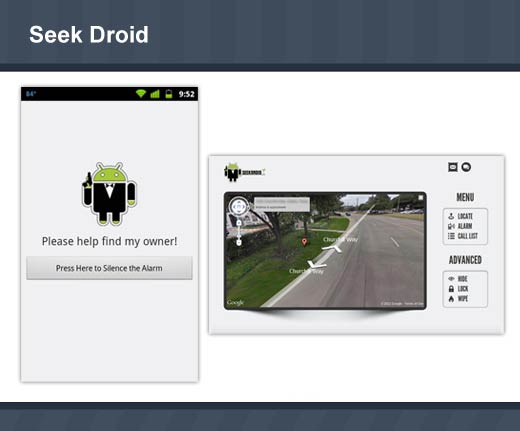
Seek Droid
Seek Droid allows you to locate your lost or stolen device anywhere in the world. See your device on a map, set off an audible alarm, wipe the device, and more.
Cost: Free
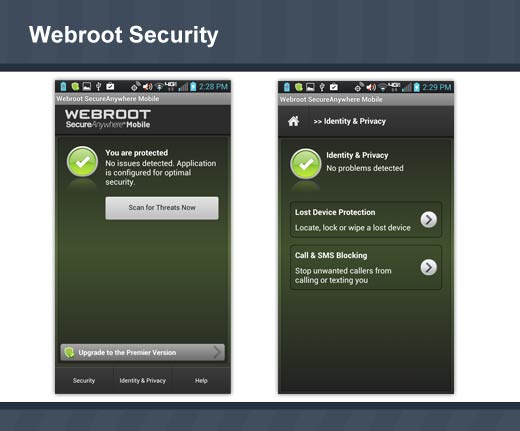
Webroot Security
Webroot Security keeps you secure when browsing, shopping, and banking on your Android device. It locates and locks lost or stolen devices, and automatically scans your apps for threats and malicious behavior.
Cost: Free
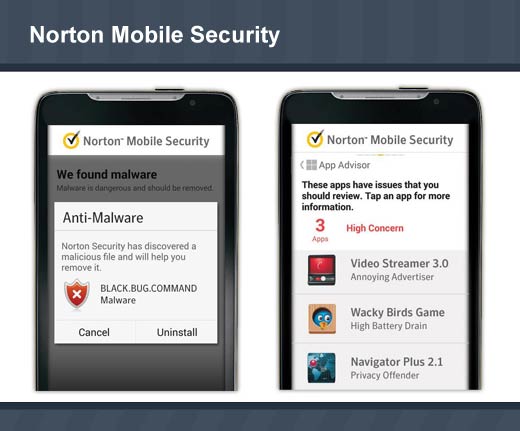
Norton Mobile Security
Norton Mobile Security protects you and your Android smartphones and tablets against threats such as malicious apps, theft or loss, and websites designed to steal your information and money. More importantly, Norton provides proactive protection against potentially risky apps. Apps that could leak your personal information and content, excessively use your battery and data plan or have annoying intrusive behavior. Norton puts you in control – so you can decide which apps to trust to use your personal information, photos, videos, battery and data plan or get in the way of your mobile experience.
Cost: Free or 30-Day Premium Trial – After your trial ends, you can continue to enjoy the free features to keep your device safe and secure.
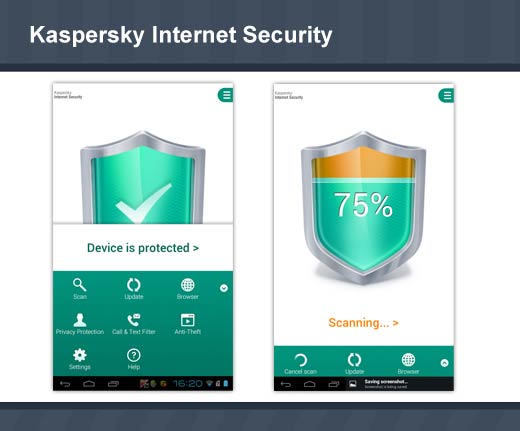
Kaspersky Internet Security
Kaspersky Internet Security for Android delivers the latest mobile security technologies – including superior anti-theft protection and Android antivirus. All the great features of Kaspersky Mobile Security and Kaspersky Tablet Security are now available in a single easy-to-use solution that is optimized specifically for smartphones and tablets.
Cost: Free
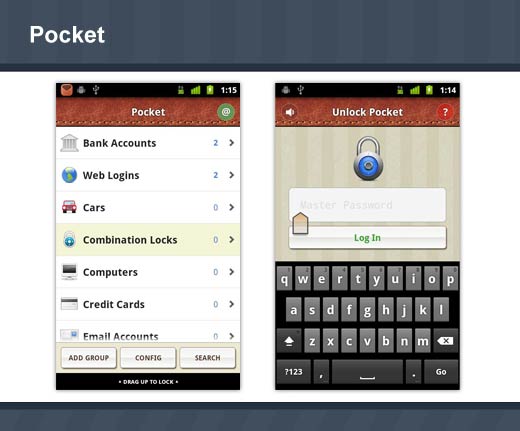
Pocket allows you to safely store all your sensitive data such as bank account details and passwords on your phone. Pocket is also useful for remembering all those bits and pieces of information in one place from frequent flier numbers to contact lens prescriptions.
Cost: Free
Quick Heal Mobile Security
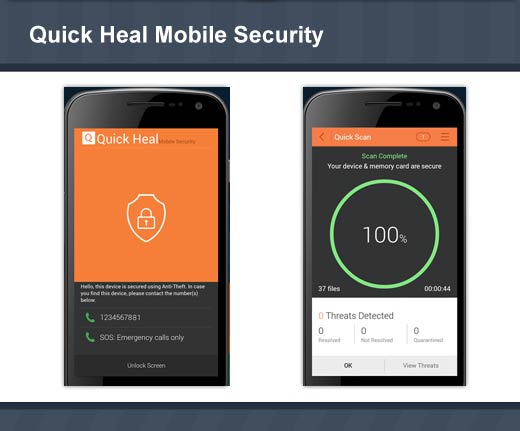
Quick Heal Mobile Security not only protects your Android smartphone from malware, but it also secures it against theft or loss. It has enhanced call and SMS filtering that allows you to block unknown numbers and numbers starting and ending with a certain series. Its personal security feature helps you in times of emergency by alerting your friends. The software notifies you about apps that can affect your privacy, and guides you about settings that can enhance your device’s security. Additionally, you can manage your device via Quick Heal Remote Device Management portal.
Cost: Free
TrustGo
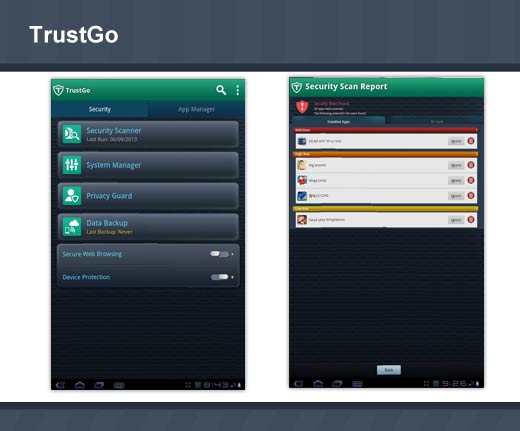
TrustGo protects you from today’s most dangerous malware and viruses as well as apps that can steal your personal privacy, identity and data. In addition, TrustGo offers “Find My Phone” features including remote location, lock, alarm and “Candid Camera” thief ID (via email), system tools and Web browsing security.
Cost: Free
Keeper
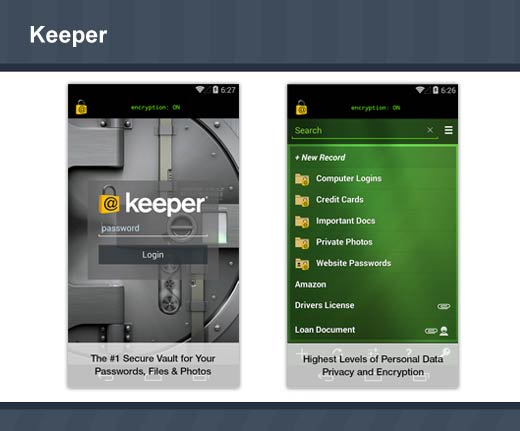
Keeper protects you against hackers with a secure and convenient password manager. Your passwords, logins, credit card numbers, bank accounts and other personal information are saved in your private digital vault that is encrypted and unbreakable. Keeper’s password generator also creates high-strength passwords for your various website logins.
Cost: Free