


In today’s business world, it’s essential to stay in touch and have access to business documents and functionality anytime, anywhere. Mobile devices have opened a new world of accessibility and flexibility for day-to-day business users. We’ve pulled together 10 popular apps that help streamline the business process and provide unprecedented access to business productivity. All apps are available for download through iTunes or the iPhone App Store.
Click through for 10 Apple apps that can help with business productivity.
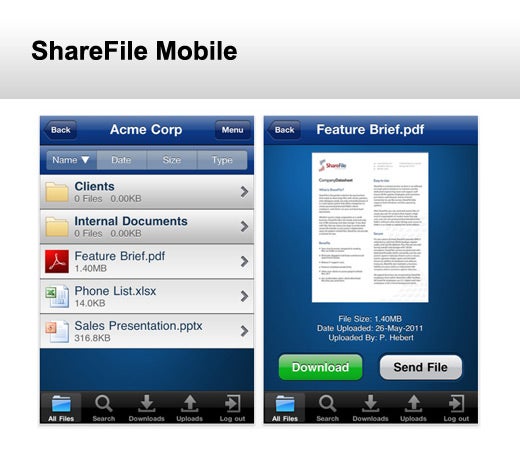
The ShareFile app allows you to access your ShareFile Account to exchange larger, sensitive business files whenever you want, wherever you want. You can browse your ShareFile account, open and manage downloaded files, email files, and request uploads to your account via email.
Requirements: Compatible with iPhone, iPod touch, iPad. Requires iOS 4.0 or later.
Cost: Free
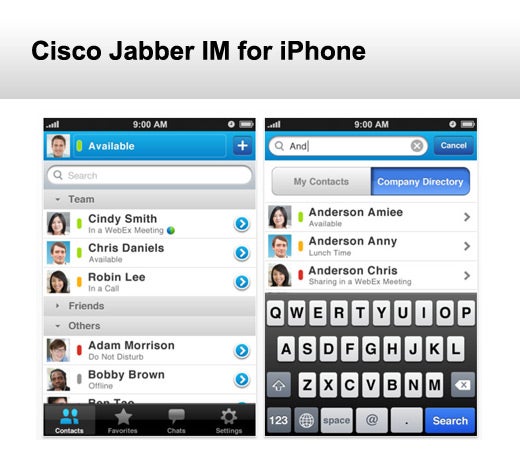
Stay connected while mobile. Cisco Jabber IM for iPhone delivers instant messaging (IM) and presence to your Apple iPhone. You can access your desktop IM contact list and take action with features such as click to IM, click to call, click to email, and click to text from a person’s profile. You can also start of join an instant Cisco WebEx meeting.
Requirements: Compatible with iPhone, iPod touch, iPad. Requires iOS 4.0 or later.
Cost: Free
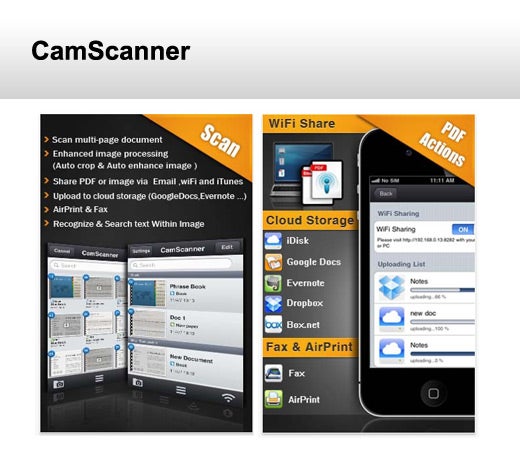
With CamScanner, your iPhone is actually a portable scanner, with which all your paper documents, receipts, notes and whiteboard discussions can be archived anywhere at any time. The Smart Image cropping and image enhancement algorithm ensures that scanned images are clear and recognizable. With OCR technology, text within PDF files will be searchable.
Requirements: Compatible with iPhone 3GS, iPhone 4, iPhone 4S, iPod touch (4th gen), iPad 2 Wi-Fi and iPad 2 Wi-Fi + 3G. Requires iOS 4.0 or later.
Cost: $4.99
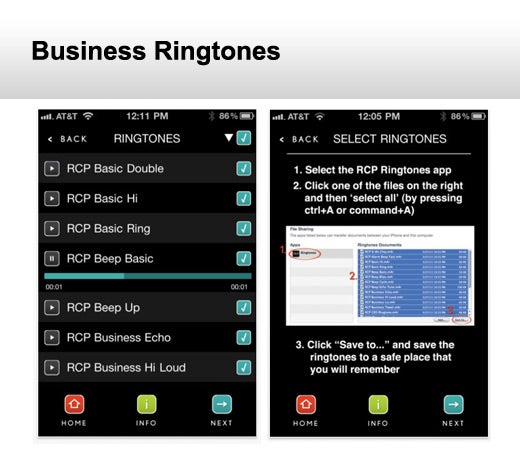
If you’re looking for professional business ringtones, instead of embarrassing sound effects and pop songs, then you’re looking for RCP Ringtones. Business ringtones are professional-sounding tones from the RCP Ringtones library. Classic business ringers, office phones, simple beeps and chimes.
Requirements: Compatible with iPhone, iPod touch, iPad. Requires iOS 3.2 or later
Cost: $0.99
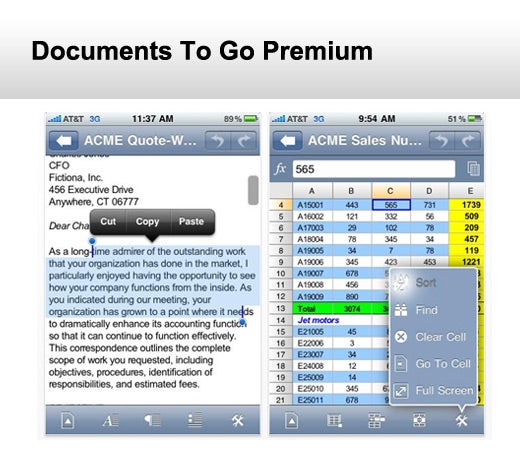
Documents To Go is an all-in-one application with support for Microsoft® Word, Excel and PowerPoint, PDF, Apple iWork and other files and attachments. It includes a desktop application (Win and Mac) to provide 2-way file synchronization and a version with support for Google Docs, Box.net, Dropbox, iDisk and SugarSync is also available.
Requirements: Compatible with iPhone, iPod touch, iPad. Requires iOS 3.2 or later
Cost: $16.99
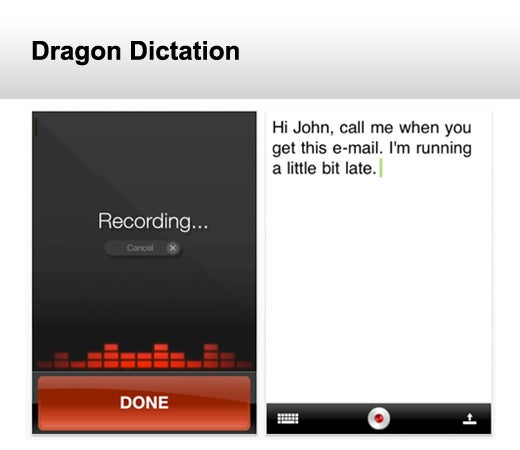
Dragon Dictation is an easy-to-use voice recognition application powered by Dragon® NaturallySpeaking® that allows you to easily speak and instantly see your text or email messages. In fact, it’s up to five times faster than typing on a keyboard. With Dragon Dictation, you can also dictate status updates to your social networking applications or send notes and reminders to yourself. Dragon Dictation supports a multitude of global languages.
Requirements: Compatible with iPhone, iPod touch, iPad. Requires iOS 4.0 or later.
Cost: Free
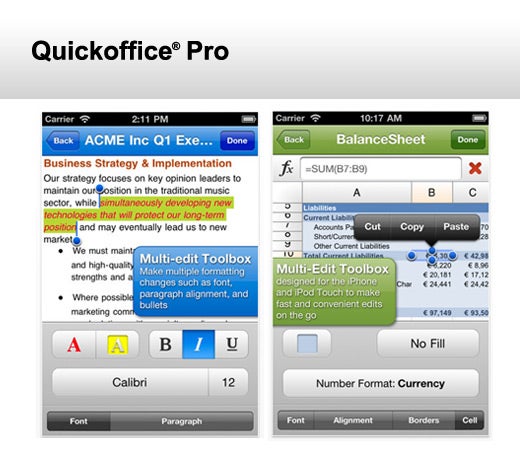
Quickoffice® Pro takes mobile productivity to the next level with this must-have, award-winning productivity suite. Work with Word documents, Excel spreadsheets and PowerPoint presentations while conveniently accessing files remotely from your Google® Docs, Dropbox, Box.net, Huddle™, SugarSync and MobileMe™ accounts, or from your SD card with our enhanced Connected File Manager. A PDF viewer is also included.
Requirements: Compatible with iPhone, iPod touch, iPad. Requires iOS 4.0 or later.
Cost: $14.99
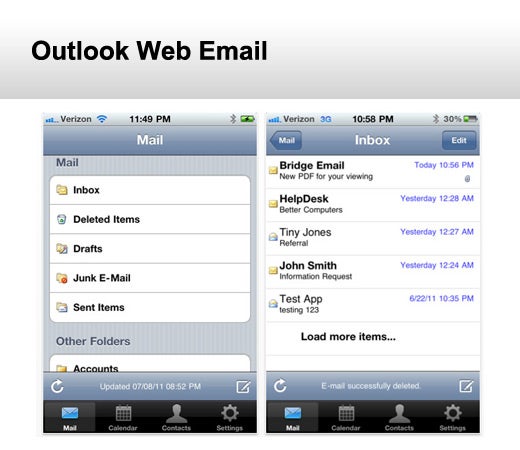
Outlook Web Email allows you to securely access email and calendar items from Microsoft Outlook Exchange. You are able to view, compose and send Outlook emails directly from your iOS device.
Requirements: Compatible with iPhone, iPod touch, iPad. Requires iOS 4.0 or later.
Cost: $4.99
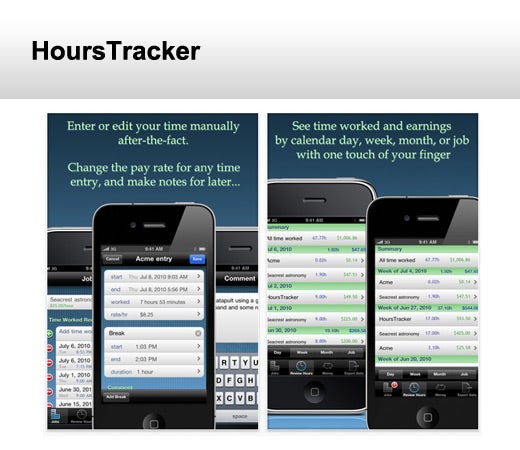
Easily track your working time and earnings with HoursTracker. Jump into HoursTracker and start a timer with two taps of the finger, or track your time by just entering in your punch times manually.
Requirements: Compatible with iPhone, iPod touch, iPad. Requires iOS 3.0 or later.
Cost: $2.99
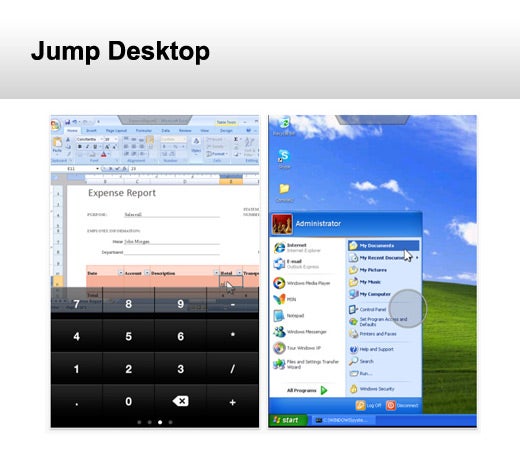
Jump Desktop is a remote desktop application that lets you control your computer from your iPad, iPhone or iPod touch. It is compatible with both RDP and VNC. Features include a streamlined user interface that gives you the best possible remote desktop experience on your mobile device.
Requirements: Compatible with iPhone, iPod touch, iPad. Requires iOS 3.0 or later.
Cost: $14.99