


 In Don Tennant’s post "Dealing with the ‘Vice’ in ‘Devices,'" he writes about the extent to which we’re addicted to the instruments that keep us online, following a discussion he had on the topic with Dr. Joanne Cantor, a psychologist and author of the book, “Conquering CyberOverload.” Chances are you’re able to identify with that need for a fix to at least some degree, so advice on changing the habits that drive that need might be helpful.
Here are 10 tips offered by Cantor on how to retrain yourself so that you can show your devices who’s boss.

Click through for 10 tips from Dr. Joanne Cantor for showing your mobile devices who is boss.
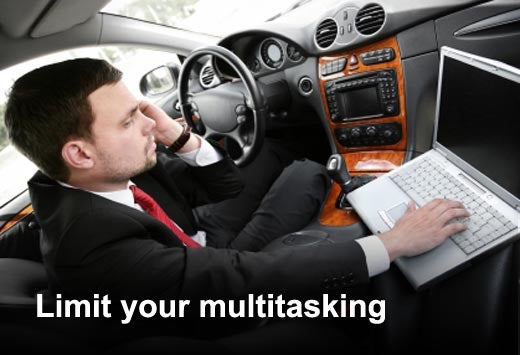
Your brain can’t multitask your attention; it merely switches back and forth between tasks, and both tasks suffer. Before choosing to multitask, ask yourself these four questions: Do I want to dumb down my brain for this? Do I want to spend more time than necessary on this? Do I want to have very little memory for what I’ve just done? Do I want to do a poorer job?
Our gadgets give everyone access to our attention 24/7. Be the one to decide when it’s time to take a break from what you’re doing and respond. When you’re trying to get something done, turn off your e-mail, cell phone and other devices so you can focus. Let people know when you’ll be available next and they’ll be less likely to bug you.
These are the few people who need to reach you instantly. Arrange a way for them to get through to you without leaving yourself on-call for everyone who wants your attention.

The e-mail that comes into your inbox every day can be overwhelming. Arrange to get less e-mail by blocking spam, unsubscribing from unnecessary mailing lists and filtering wanted but non-urgent e-mails into appropriate folders. Set your e-mail program to check for new messages less frequently. Sort through your new e-mail during breaks in your work.
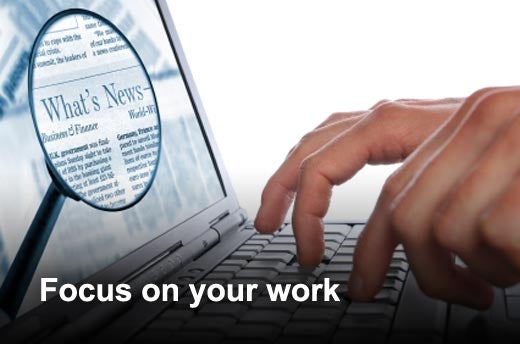
Ignore your digital distractors until it’s a good time for a break. This means resisting the urge to check online for the latest news, sports, gossip, or sales while you’re working. Jot down those unrelated ideas or tasks that pop into your head and do them later. Feel good about single-tasking, knowing how much faster and better you’re working. Save your entertainment for when you can enjoy it.
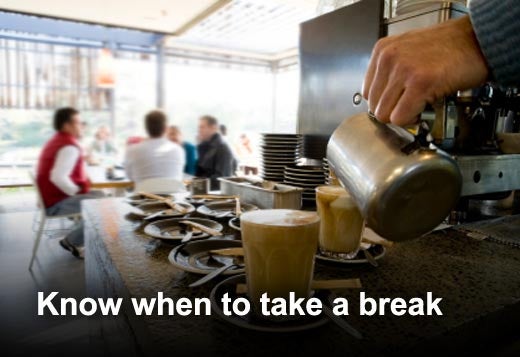
With unending access to limitless information on the Web, it’s easy to get stuck. If you find yourself up to your eyeballs in data, take a break and come back later. Einstein used to say that when he’d hit an impasse on a problem, he’d go sailing – and the answer would often come to him on the water.
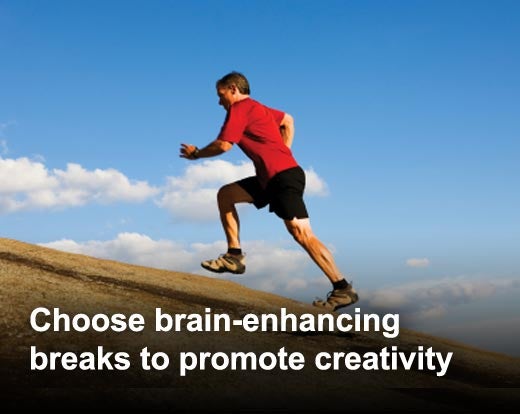
Brain-enhancing breaks are of the low-information variety. They don’t add to the overload you’re already experiencing. Getting physical exercise brings oxygen to your brain and promotes the formation of connections between neurons. Exposing yourself to nature attracts your attention modestly. It’s enough to relieve you from information overload while your brain still works on your problem while you’re not thinking about it. Stop and smell the roses – literally.

While you’re sleeping, your brain is trying to make sense of what you were thinking about during the day. Sleeping on a problem really works. Schedule projects so you can sleep between the beginning and your deadline, and be prepared to take advantage of the great ideas that come to you as you’re waking up.
If you keep your nose to the grindstone, you’ll never see the big picture. The most creative workers alternate between intense focus and relaxation. Good ideas come to you when you least expect them. An unstressed mind can work for you 24/7 even when you don’t know you’re working.

The most effective and the happiest, healthiest people alternate between work and play and between intense focus and relaxation. People with balance don’t need to work as many hours as workaholics because their brains work more efficiently and effectively.