


 After hearing about the hassle a friend went through to send her laptop for servicing no less than five times over two years, Paul Mah developed a list of tips to help prolong the life of your laptop.
Read more in Paul's blog "Seven Tips to Prolong the Life of Your Laptop."
Click through for important tips on improving your laptop's longevity.
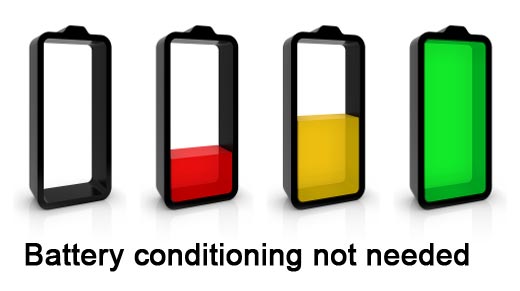
A common mistake is unplugging a laptop when using it, connecting it back to the AC only when the charge in the battery is running out. The thinking behind this move is to prevent overcharging. However, built-in protection against overcharging means that this move only serves to dramatically shorten the serviceable life of the batteries, as there is a finite number of charge-discharge cycles that a rechargeable battery can handle.

If you hear a loud, buzzing or whining sound emanating from your laptop, do send it for servicing at your earliest convenience. In a nutshell, waiting for the newly developed sounds to go away is just asking for trouble, as the sounds are likely emanating from either the built-in ventilation fans or failing hard disk drive.
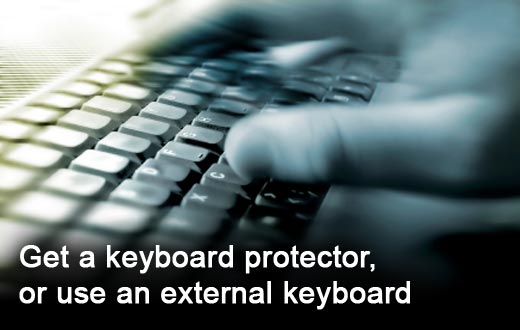
The keyboard sees the heaviest physical wear and tear on the laptop. While designed for heavy use, it’s usually not replaceable if damaged and is a usability nightmare if not properly maintained. One way to protect against the introduction of foreign objects is to get a keyboard protector for your laptop. To reduce the wear on the keys and touchpad, Paul Mah advocates the use of a separate keyboard and mouse when at your desk.
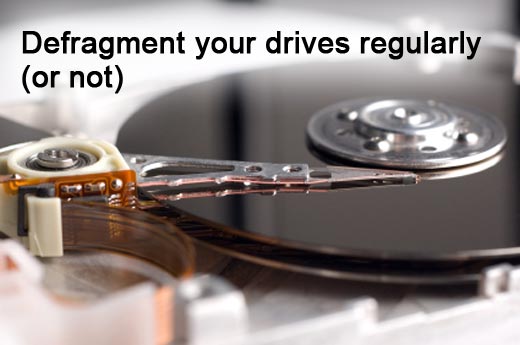
Due to how a computer file system works, performance of hard disk drives will unavoidably decrease over months or years of usage. As such, it is a good idea to perform a defragmentation of your data from time to time. The same is not true of solid-state disks (SSD), however, which work differently. Doing so will shorten their usable lifespan.

The hard disk head hovers at microscopic distances from the furiously spinning disk surface. As such, it’s generally a good habit not to subject laptops with hard disk drives to excessive shock or swinging around when powered on.
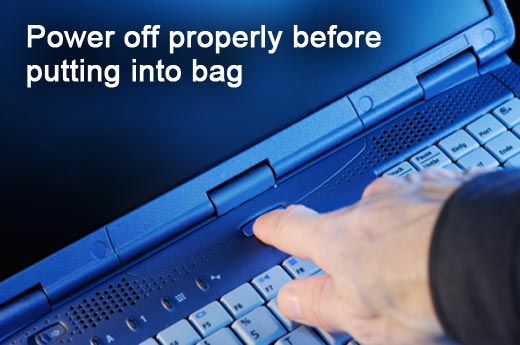
One way to quickly shorten the life or even kill your laptop would be to stuff it into your bag when it is still switched on. Damage to hardware is known to happen when applications or the Windows operating system itself hang during the shutdown process, leaving the laptop running in the confines of a bag. Check to make sure your laptop’s really powered off first.

It’s always a good idea to let your service help desk, or someone who is tech-savvy, take a look at your laptop in order to make a preliminary diagnosis. This will allow new problems that are introduced as a result of the service call to be more easily isolated and identified should they surface after the repair.