SHARE
Facebook X Pinterest WhatsApp

Eight Tips to Help Your Audience Get the Most from Your Presentation

With a few simple tips, presentations can be moved from the realm of the long and tedious to highly effective and somewhat entertaining. This slideshow highlights eight tips from The Graduate School of Education at the University of Buffalo that can help you create a presentation that works for your audience. Click through for eight […]

Written By
thumbnail
ITBE Staff
ITBE Staff
Nov 11, 2010

With a few simple tips, presentations can be moved from the realm of the long and tedious to highly effective and somewhat entertaining. This slideshow highlights eight tips from The Graduate School of Education at the University of Buffalo that can help you create a presentation that works for your audience.

Eight Tips to Help Your Audience Get the Most from Your Presentation - slide 1

Click through for eight presentation tips from The Graduate School of Education at the University of Buffalo.

Eight Tips to Help Your Audience Get the Most from Your Presentation - slide 2

“Stand on the left side of your screen. Your audience will anchor on you, then read across, then come back to you.” (Lynell Burmark, Ph.D.)
Eight Tips to Help Your Audience Get the Most from Your Presentation - slide 3

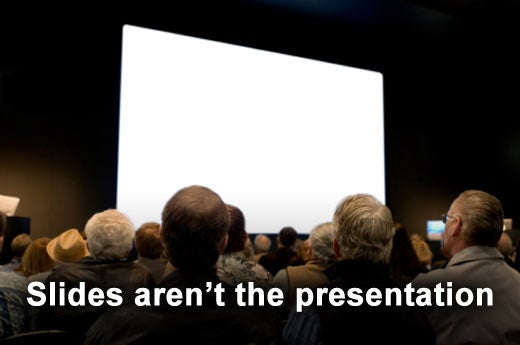
Slides shouldn’t say everything you will.

Eight Tips to Help Your Audience Get the Most from Your Presentation - slide 4

A presentation is not the same as a publication, so you should avoid wordy sentences on your slides. Instead, use bullet points to summarize your presentation points.
Eight Tips to Help Your Audience Get the Most from Your Presentation - slide 5

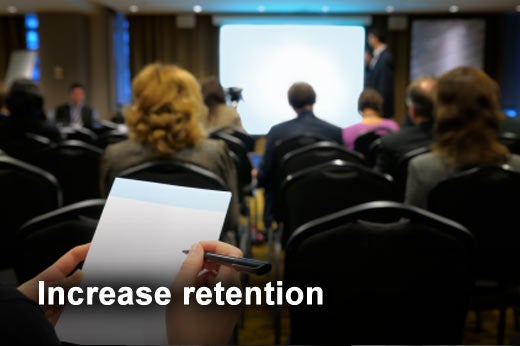
Increase audience member retention by as much as 30 percent by showing a slide for 14 to 21 seconds before you talking about it.

Eight Tips to Help Your Audience Get the Most from Your Presentation - slide 6

Spend a maximum of 40 to 90 seconds on a single slide.  The optimal pacing for slides is two to three per minute. The following is a guideline for slides based on the length of your presentation.

Length of presentation 

Minimum slides 

Optimum slides


30 minutes 

20 slides

60-90 slides


60 minutes 

45 slides

150-180 slides


2 hours 

90 slides 

300-460 slides


Eight Tips to Help Your Audience Get the Most from Your Presentation - slide 7

The average audience member has an attention span of approximately 18 minutes. Increase the effectiveness of your presentation by providing mental stopping and starting points that reengage your audience. A good way to do this is with humor. Work in a visual “commercial break” that relates to your content at least every 15 minutes.

Eight Tips to Help Your Audience Get the Most from Your Presentation - slide 8

Engage the audience every three to four minutes by asking a question, helping make a connection or taking a poll. Make sure to build in time for discussion, as well.

Eight Tips to Help Your Audience Get the Most from Your Presentation - slide 9

The brain likes color and sees yellow first. Color visuals increase audience member willingness to read by up to 80 percent and improve retention by more than 75 percent. “77 percent perceive that presentations that use color are able to communicate better than those that use black and white.” (3M)

Recommended for you...

How DeFi is Reshaping the Future of Finance
Kihara Kimachia
Aug 25, 2022
Top Secure Access Service Edge (SASE) Solutions
Aminu Abdullahi
Aug 22, 2022
Best Data Loss Prevention (DLP) Tools
Aminu Abdullahi
Aug 19, 2022
Data Lake Governance & Security Issues
Chad Kime
Aug 18, 2022
IT Business Edge Logo

The go-to resource for IT professionals from all corners of the tech world looking for cutting edge technology solutions that solve their unique business challenges. We aim to help these professionals grow their knowledge base and authority in their field with the top news and trends in the technology space.

Property of TechnologyAdvice. © 2025 TechnologyAdvice. All Rights Reserved

Advertiser Disclosure: Some of the products that appear on this site are from companies from which TechnologyAdvice receives compensation. This compensation may impact how and where products appear on this site including, for example, the order in which they appear. TechnologyAdvice does not include all companies or all types of products available in the marketplace.