


Developers have been busy creating Android Market applications to allow smartphone users to work with documents like PDFs, spreadsheets and presentations while away from the office, without losing too much functionality. While creating and editing business documents with a small screen and keyboard is not ideal, these tools make it bearable in a pinch. We’ve pulled together this list of favorites. A few have small charges for use, but several are free.
Click through for helpful document management apps for Android.
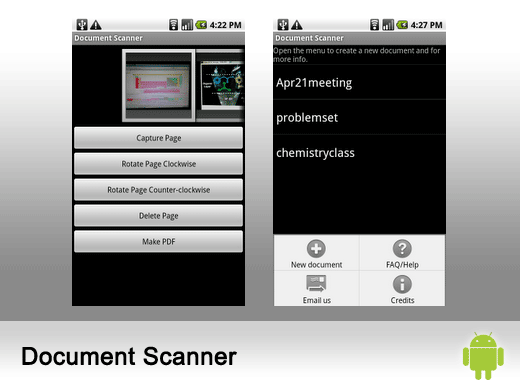
This application, developed by Pwn with Your Phone, allows users to scan documents with their phone’s camera, convert them into PDF documents, and e-mail the documents to anyone. Any number of pages can be scanned and converted into one single PDF file. Users can even add to an existing set of scanned documents.
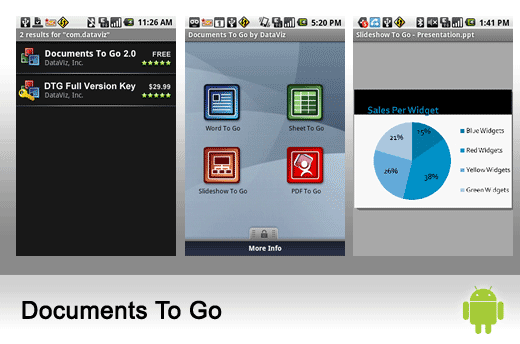
Created by DataViz, this application allows users to view, edit and create Microsoft Word, Excel and PowerPoint files, as well as view Adobe PDF files on their Android-powered smartphone.
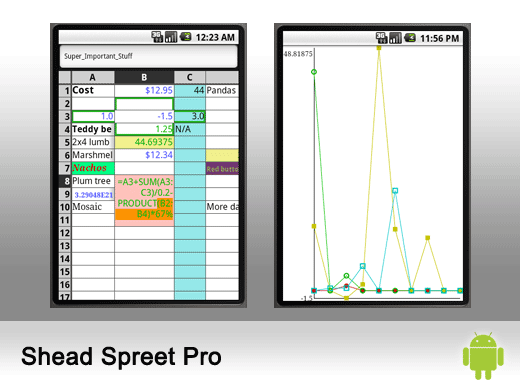
Shead Spreet is a basic spreadsheet program for Google's Android OS. The application from Keith Wiley boasts real-time formulas and a navigator for small screens.
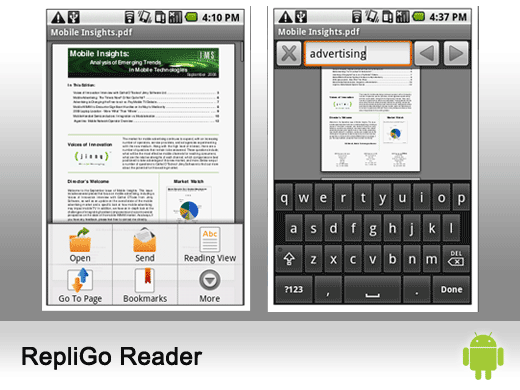
RepliGo Reader from Cerience allows users to view Gmail PDF attachments just as they would be seen on a desktop. The application can also be used to view online PDF files and supports opening PDF files that have been saved to the media card. It supports embedded fonts and renders text and graphics clearly at any zoom level.
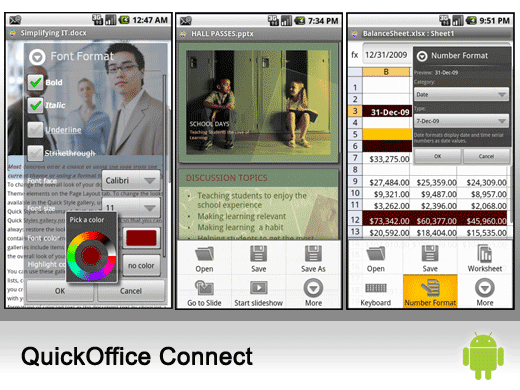
Touted as the “FIRST and ONLY full-featured Microsoft Office productivity suite for Android devices,” QuickOffice Connect lets users view and edit Microsoft Word, Excel and PowerPoint files. At a cost of $10.00, users can also access, transfer, share and manage files on Google Docs, Dropbox, Box.net and MobileMe.
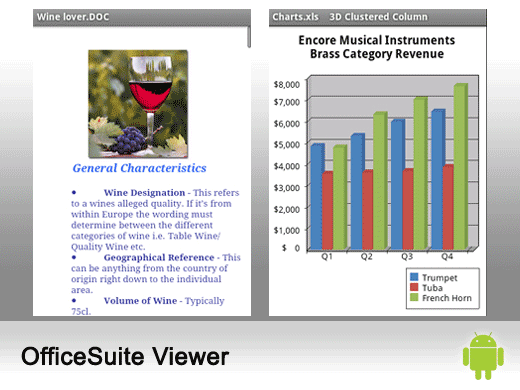
OfficeSuite Viewer by Mobile Systems is a universal document viewer, allowing users to open native DOC, DOCX, TXT, XLS, XLSX, CSV, PPT, PPTX, PPS, PPSX, PDF and ZIP files and attachments. This application runs $4.99.
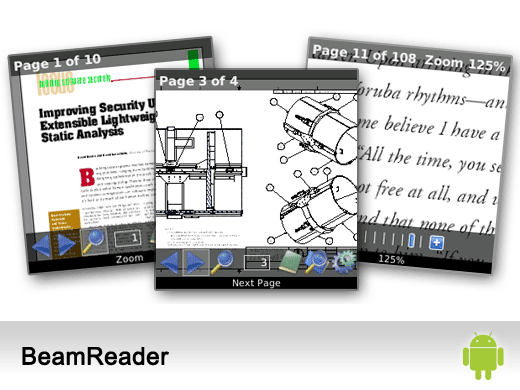
BeamReader from SLG Mobile renders PDF documents in their original desktop quality, natively on the user’s Android device with no network connectivity required at fast speed. The reader boasts convenient document navigation, granular zoom, text search, support for bookmarks, support for embedded links, support for scanned / faxed PDF documents, and more. It is currently available in beta for free.
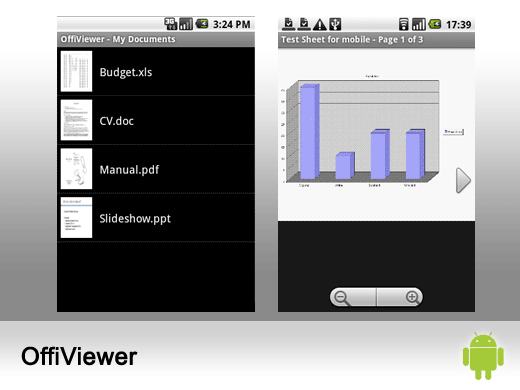
OffiViewer from Art of Solving can open PDF, Word (doc, docx), Excel (xls, xlsx), PowerPoint (ppt, pptx), OpenDocument (odt, ods, odp), RTF. However, there needs to be a good Internet connection to do server-based document rendering, and the free service is limited to 2MB per document.