


If you work in an office, chances are you have seen a frantic IT guy or gal running around trying to put out virtual fires, and you’ve wondered what all the fuss was about. In addition to the numerous, legitimate, technical glitches that can come up when operating a data center, there are also lots of mind-numbing issues that IT admins run into when it comes to supporting users. GFI Software was curious to find out how stressed IT admins are and what causes all that tension, so they surveyed hundreds of IT admins in the U.S. and the UK. The top-line results were very interesting, but it was when they dug deeper that they learned just how strange the daily user support situations really are.
Here are the top nine most ridiculous things users do.

Click through for the nine most ridiculous things IT admins have seen business users do, as identified by GFI Software.
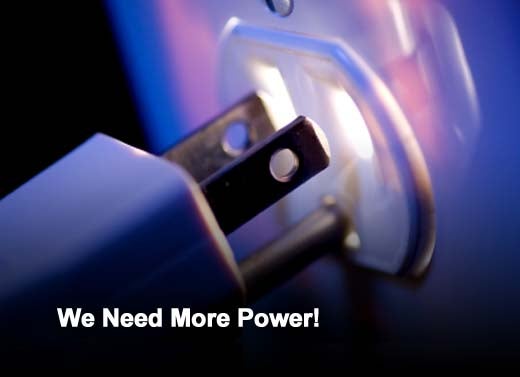
An overwhelming amount of IT administrators said they have received complaints or support calls from users who did not know that a computer does not work without power. In one case, the user’s frustration caused them to destroy their machine, not realizing it simply needed to be plugged in. One respondent even told us that a user did not understand that they had plugged a power strip “into itself” and couldn’t figure out why their computer wasn’t powering up.
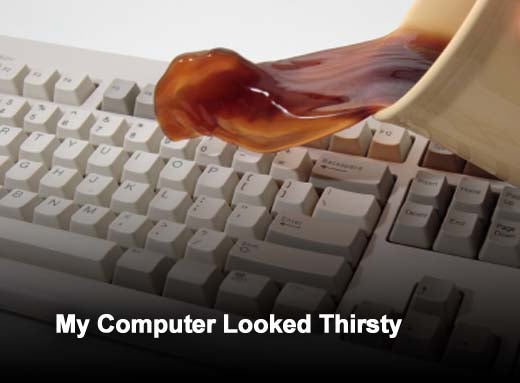
One admin put it best with a tongue-in-cheek response that read,
“[Users] drink and eat in front of the computer and they feed the keyboard with water.”
Spills are bound to happen, but IT admins cringe when liquids find their way directly into the keyboard, in most cases ruining the machine. Coffee, water and soda were the most often cited offending liquids. In fact, there were several instances of users turning their CD/DVD tray into a coffee cup holder! One respondent pointed out that not all spills happen in the office either.
One user “brought in a damaged work laptop, swore that her kids never go near it, and then we found spilled soda in the keyboard and the kids’ homework on the hard drive.”
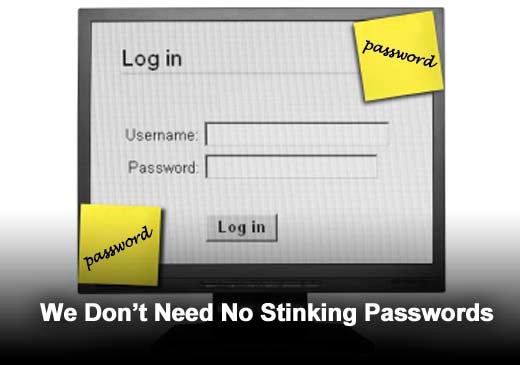
One of the biggest problems IT admins see when it comes to security is that users frequently subvert the purpose of passwords by not securing them. Aside from the traditional bad habits of sticking passwords to monitors with Post-It notes, using “password” as a password, and talking about a password publicly, there was even one case of a user posting their user name and password on a social network to “see how many people would steal it.”

There were also quite a few IT admins who said their users have KNOWINGLY downloaded malware, through a number of different methods. Similar to the social network password poster mentioned earlier, one user clicked on a link in an email that they knew was a virus “just to see what would happen.” Another clicked on the same pop-up ad frequently, installing a virus that had already been removed multiple times from their machine, even after being warned by IT to stop doing it. Yet another user continually responded to phishing emails with their personal credentials, while one person even tried to download and install a forbidden software application and completely erased the hard drive.

Many of GFI’s survey respondents said that their users had deleted important files or data to make room on their hard drive, which in most cases already had plenty of space remaining. In some cases, the deleted files were actually drivers that the computer needed in order to run.
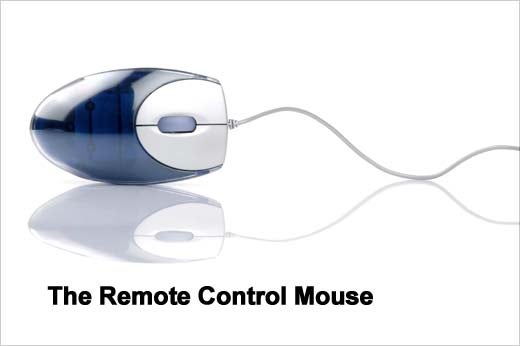
Perhaps one of the more comical things that IT admins see is “creative” use of the mouse. Users have been known to use their mouse like a remote control – pointing it at the screen and clicking it. There was also a reported case of a user putting their mouse directly on the screen and rolling it around on the surface to maneuver the cursor.

Also, while largely an ineffective method, IT admins have witnessed users talking directly to their computers when they have an issue. One user spoke “to a PC because the sign under the screen said ‘If you have problems with your computer speak to IT’.”

On the darker side, users have been known to take out their frustrations on their machines and colleagues as well. From throwing a machine on the ground because it “didn’t work right,” to shaking a computer “like an Etch A Sketch,” to throwing a piece of equipment “at someone” because it didn’t function properly – IT admins have seen it all. One IT admin even reported that a user threatened him with a hammer when faced with a frustrating computer issue. Talk about stress!

One final piece of feedback from the IT administrators GFI surveyed . . . Contrary to popular belief, they are not super human. Expecting them to work 24×7 or turn around major changes with unrealistic deadlines is not always feasible. So keep in mind some of the problem areas above if you want to stay on your gatekeeper of technology’s good side. And failing that, if nothing else they’d probably be thankful enough if you could simply avoid “watering” your machine.