


Failing to manage shared passwords adequately can expose organizations to serious vulnerabilities, particularly in the case of privileged accounts where a disgruntled employee could potentially have the power to hold an entire network hostage.
Keeping track of privileged user and shared access accounts is also important for accountability. Unfortunately, however, many organizations simply don't know for sure who has access to shared passwords. Far too often, the entire IT department knows the details of what is supposed to be a limited-access password.
All kinds of employees, from office administrators and temporary workers to nurses and civil servants require access to shared account logons for enterprise applications and systems for all kinds of reasons. IT managers, therefore, need to strike a balance between providing the flexibility required to meet end users’ needs and ensuring security and compliance with corporate policy and the latest industry regulations and legislation.
Use these tips to close the security gaps associated with shared password management as well as introduce a cost-efficient way for your organizations to comply with data protection and PCI DSS regulations that prohibit the sharing of accounts between users.
Click through for tips on securing access to privileged and shared account data.
Put in place a scalable and flexible method for regularly changing passwords, as well as a reliable way of ensuring that all passwords generated are unique on every system and suitably complex.
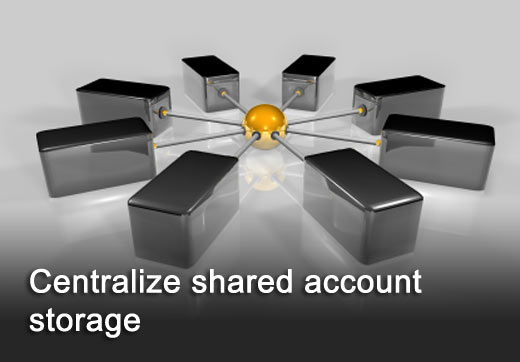
Centralize shared account storage and control so that a user must make a request to use a shared password. This can then be approved or denied based on pre-established policies set by the organization. This ensures that the organization has visibility and hence control each time a privileged credential is accessed or used.
Ensure that all passwords for shared accounts are concealed so that a user never actually knows the password of an account that is checked out. This prevents the inadvertent or malicious sharing of passwords, as well as sabotage by rogue administrators.
To facilitate regulatory compliance, it is also important to tie shared account usage to the user within the organization’s identity management system so that the actual user of a shared password is known at all times.
For some particularly sensitive accounts, organizations might also want to consider controlling the usage of privileged or shared password by policy. For example, by setting a limited time window for their use, or prescribing maximum number of logons.
A further security measure could be to introduce two-factor authentication at the point of logon to ensure that the person using the account is actually the person authorized to check it out.