


Even in today’s digital world, more than three-quarters (76 percent) of organizations indicate that printing is critical or important to their business activities. A whopping 70 percent of businesses admit to experiencing one or more print-related data breaches and violations to data protection legislation, which could lead to fines of up to $850,000. So why have less than 25 percent of businesses implemented secure printing initiatives?
In some cases, companies may not be aware of print-related security risks and have found security assessments for printers to be a challenge. Others may lack the budget or knowledge to implement a policy.
In this slideshow, Fasoo, a data and software security company, offers five essential components for an enterprise’s print security strategy. Having a print security plan in place will minimize the risks of paper-based data breaches with the ability to detect sensitive information and restrict printing, securing printouts by mandating verification. Besides security risks, policies will provide management with a way to control printing devices overall with the result of reducing printing, paper and toner costs due to the print quota system features.
Elements of a Print Security Strategy
Click through for five essential elements that organizations should consider when developing a print security strategy, as identified by Fasoo.

Set Print Control Based on Context
This policy restricts users from printing documents with PII (personally identifiable information), PHI (personal health information) or other sensitive information. Users can request to print sensitive information using an approval workflow. Print security policy is effective at all times, even if users use uncontrolled printing devices or if they are offline.
Require Authentication Prior to Retrieving a Printout
Users can only retrieve their printouts after authentication with a smartphone or tablet. Users can release print jobs at any printer. This policy does not require additional authentication devices like an RFID reader. A web-based, pull-printing approval interface can be integrated with MFP devices.
Apply Dynamic Watermarks to Printouts
This policy enforces printing documents to physical or virtual printers with watermarks without user intervention. Multiple watermark templates can be applied to different users, groups or documents. Dynamic watermark information includes user name, IP address, security classification, filename, company logo, time and date.
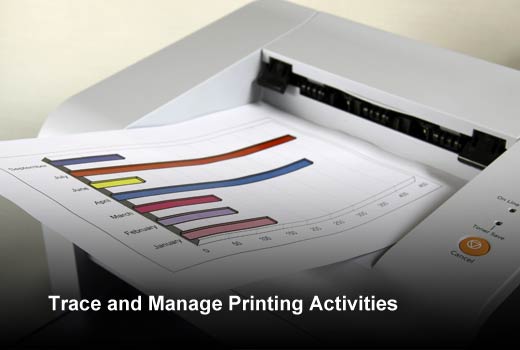
Trace and Manage Printing Activities
Printing activity logs include user name, IP address, security classification, filename (including original file if changed), time and date. Comprehensive logging can be set up for specific users or groups, and includes the actual content of documents in text or image format.
Limit Printing to Virtual Printers
By instating a print quota, organizations can regulate the amount of print jobs each employee is allowed to physically print and can encourage virtual printing. Virtual printing converts material and allows employees to save documents and web pages in various file formats. Additionally, it facilitates remote printing, or sharing of documents, via a web server.