


IT Business Edge Blogger Carl Weinschenk says:
“The emergence of mobile application downloads and the parallel emergence of online stores and marketplaces is nothing less than a transformative event in the history of mobile communications.”
And with Android gaining ground on the iPhone, developers are excited about the long-term outlook for the platform.
Here is a list of some of the top free Android productivity applications, according to the Android Market, plus a few extras we thought might come in handy.
Click through for 15 of the hottest free Android productivity apps.
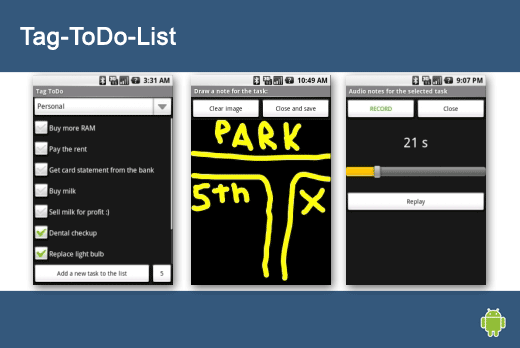
Tag-ToDo-List has a number of cool features that allow easy task handling, drawing graphical notes, recording audio, checking out stats, automatic task removal and more. There also are keyboard shortcuts for everything.
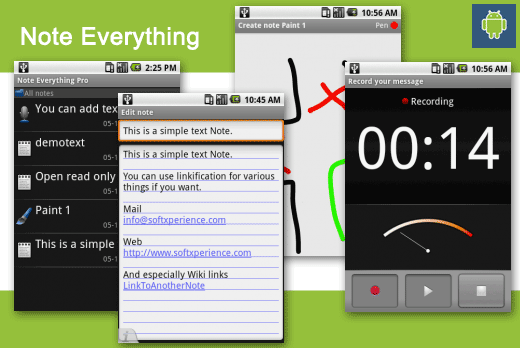
Note Everything is a notepad application that allows you to create different types of notes in one app, including text-, paint-, voice-, checklist- and photo notes. Organize your notes into folders and subfolders. You can create shortcuts on home, send notes, e-mail, SMS and other apps, as well as search, encrypt, create reminders, use live folders on the home screen, and much more.
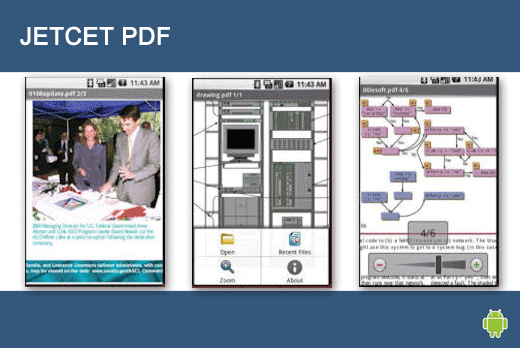
JETCET PDF keeps all of the original formatting in Adobe PDF files transferred from a desktop PC, e-mail attachments, or downloaded from the Web. It offers support for password-protected files, 40-bit and 128-bit encrypted PDFs, ‘Go to Page’ navigation, bookmarks and more.
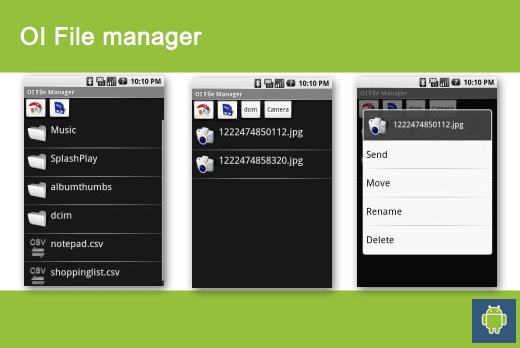
The OpenIntents file manager lets you browse your SD card, create directories, rename, move, and delete files. In addition, it acts as an extension to other applications to display “Open” and “Save” dialogs.
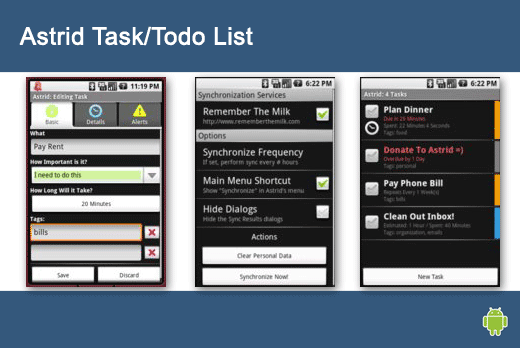
This open-source task list is simple, yet powerful. Astrid encourages and nags you into staying organized. Features include tagging, reminders, Remember-the-Milk sync, adds to your calendar, and more.
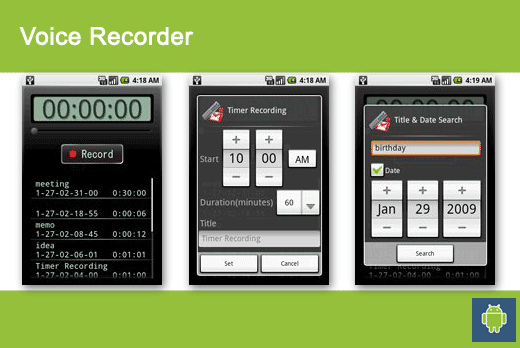
This handy voice recorder records data to a SD card. This app allows you to send data as attached file via Gmail. It also offers a timer and background recording, and you can search by title and date.
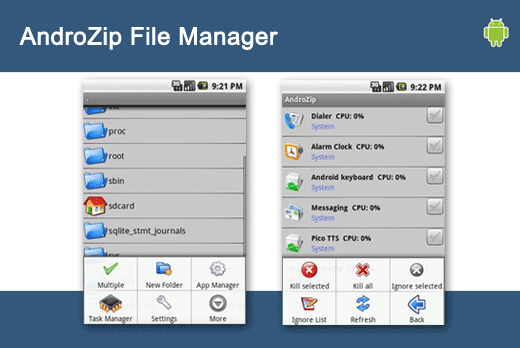
This powerful file manager works with archives, including 7ZIPhone, BZIP2, GZIPhone, RAR, TAR, and ZIPhone files. In addition, you can use it to create GZIP, TAR, or ZIPhone archives.
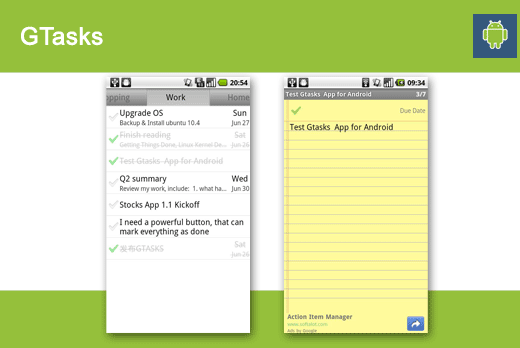
This is a rich Google task client, simple to-do/checklist tool that syncs with the desktop Google Tasks, which you can also access in the Web version of Gmail and Google Calendar.
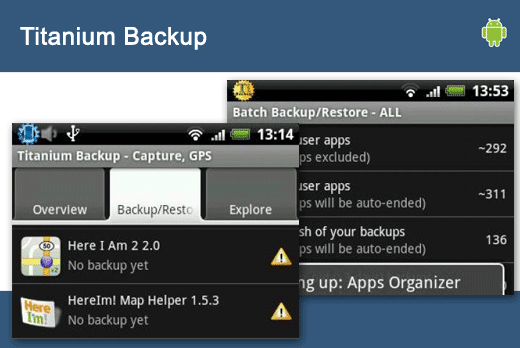
This powerful backup tool can back up and restore all apps, even protected ones, with their data and their market link. In addition, it can save phone settings, including the Wi-Fi access point list.
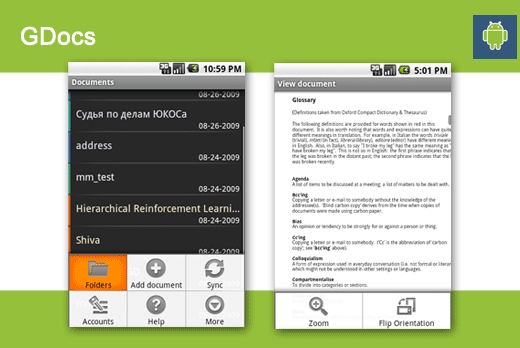
GDocs, an editor/viewer for your Google Documents, allows you create, edit, view, import, export and send documents, as well as sync documents with your Google Docs account.
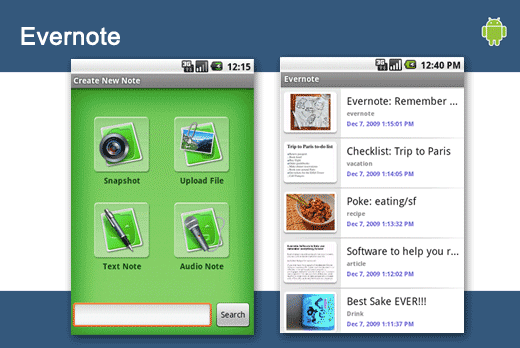
Evernote lets users capture their ideas, experiences, and inspirations as they happen. This application allows users to create text notes, snapshots, voice memos, and even attach files; search and find notes created on an Android phone or desktop computer; and easily tag and organize notes.
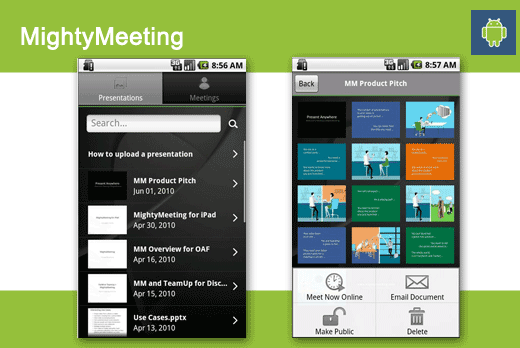
MightyMeeting allows users to manage a library of PowerPoint presentations directly from their smartphones. Presentations can be shared via e-mail, blog, Twitter, or Facebook. Users also can start or join Web meetings directly from their Android phone.
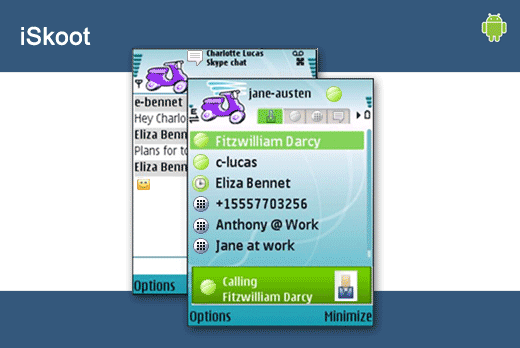
iSkoot allows users to put Skype on their mobile phones. Although the application is free, users will be charged by their mobile providers for airtime and data traffic based on the type of data service plan they’ve purchased.
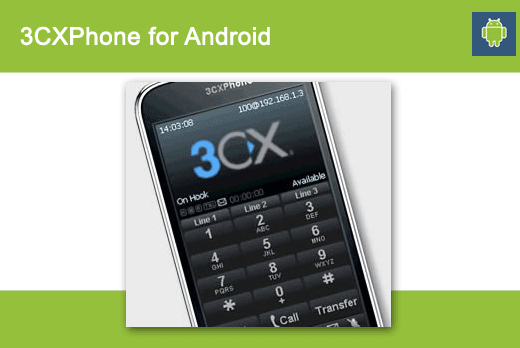
3CXPhone is a VoIP application available for Windows, iPhone or any Android-based smartphone. There is no licensing fee and users are not tied to a particular VoIP provider.
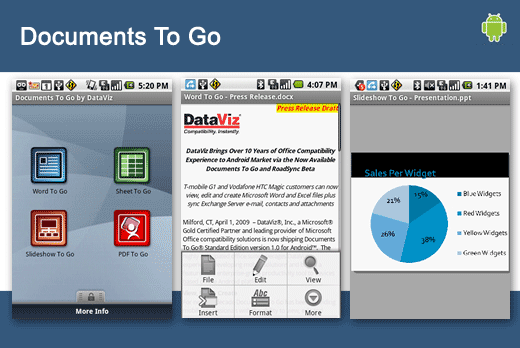
Documents To Go allows users to view, edit and create Microsoft Word, Excel and PowerPoint files, as well as view Adobe PDF files, on an Android-powered smartphone. The application supports the latest Microsoft Office & Adobe formats.