SHARE
Facebook X Pinterest WhatsApp

Handy Desktop Gadgets for Windows 7

Windows 7 gadgets help you put fun and functionality on your desktop.  These little apps keep information and tools right in front of you, allowing you to be more productive and better informed.  We’ve compiled a list of 10 helpful tools and utilities you may want to consider adding to your desktop. Click through for […]

Written By
thumbnail
ITBE Staff
ITBE Staff
Mar 23, 2011

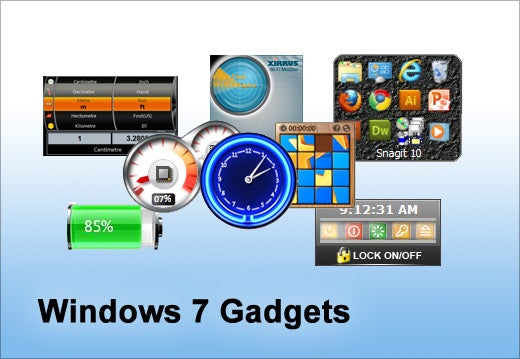
Windows 7 gadgets help you put fun and functionality on your desktop.  These little apps keep information and tools right in front of you, allowing you to be more productive and better informed.  We’ve compiled a list of 10 helpful tools and utilities you may want to consider adding to your desktop.
10 Handy Gadgets for Your Windows 7 Desktop - slide 1

Click through for 10 hot Windows 7 desktop gadgets that can make you more productive.
10 Handy Gadgets for Your Windows 7 Desktop - slide 2

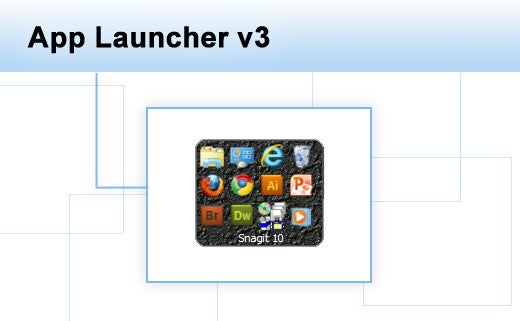
App Launcher v3 allows you to launch applications from the sidebar by clicking the icons. Just drag and drop icons onto the gadget window to add to the list.
10 Handy Gadgets for Your Windows 7 Desktop - slide 3

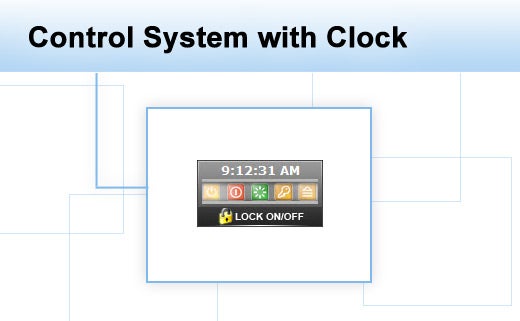
Control System with Clock allows you to simply control standby, shutdown, restart, logoff or hibernate functions on your computer right from your desktop.
10 Handy Gadgets for Your Windows 7 Desktop - slide 4

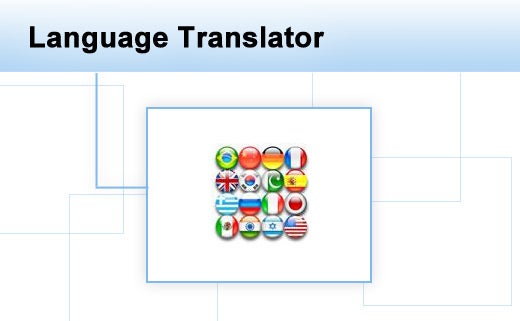
The Language Translator gadget can provide translated text in 43 languages.
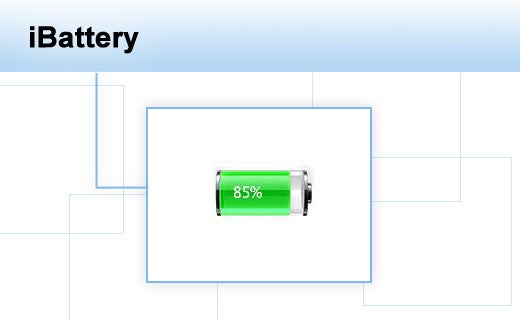
10 Handy Gadgets for Your Windows 7 Desktop - slide 5

The iBattery gadget shows the current battery charge and charging status for laptop and other portable devices
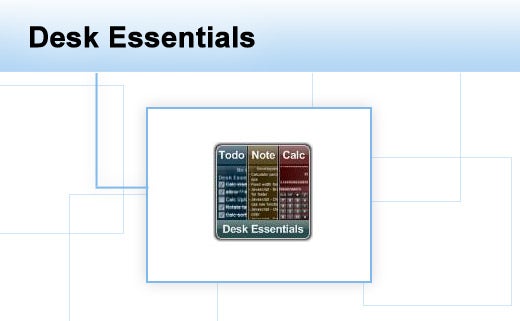
10 Handy Gadgets for Your Windows 7 Desktop - slide 6

Desk Essentials is a to-do List, note list, and calculator combined into one gadget. This provides three handy utilities that are always available, while not using up too much space on the desktop.
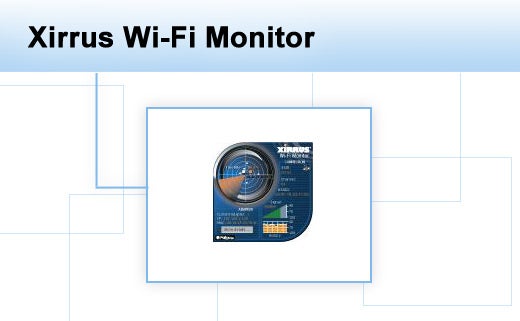
10 Handy Gadgets for Your Windows 7 Desktop - slide 7

The Xirrus Wi-Fi Monitor gadget uses a radar display to show available Wi-Fi networks and their range. The main gadget face provides details on your current Wi-Fi connection. A fly out window provides details on Wi-Fi networks, including security settings, signal strength, channels and network types.
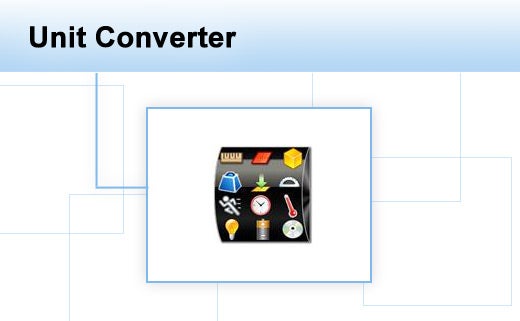
10 Handy Gadgets for Your Windows 7 Desktop - slide 8

The Unit Converter can convert any unit, including length, area, volume, mass, angle, time, speed, velocity, pressure, work, amount of heat, data storage, temperature, etc.
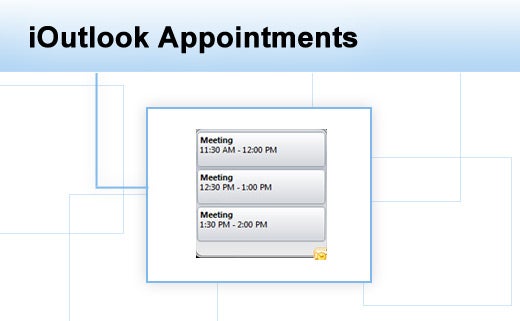
10 Handy Gadgets for Your Windows 7 Desktop - slide 9

iOutlook Appointments allows you to see your Outlook scheduled appointments right on your desktop.
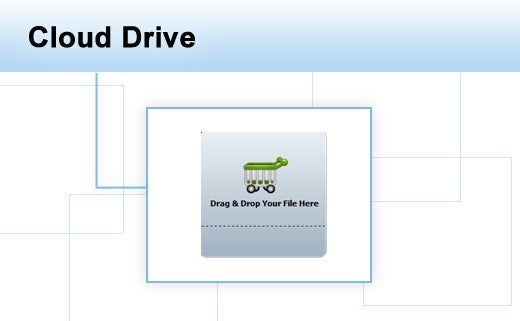
10 Handy Gadgets for Your Windows 7 Desktop - slide 10

Cloud Drive allows you to drag and drop your files into Google Docs for free online file storage through a secure HTTPS connection.
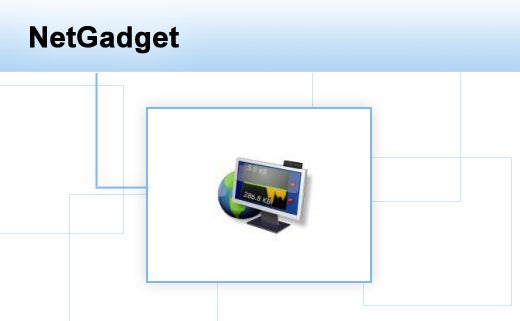
10 Handy Gadgets for Your Windows 7 Desktop - slide 11

NetGadget monitors your network connections and displays a real-time graph. Click on the graph and you can see your internal IP address, MAC IDs, current connections, and other network information per network adapter. It also shows you your external IP address.

Recommended for you...

Enterprise Software Startups: What It Takes To Get VC Funding
Tom Taulli
Aug 25, 2022
Top RPA Tools 2022: Robotic Process Automation Software
Jenn Fulmer
Aug 24, 2022
Metaverse’s Biggest Potential Is In Enterprises
Tom Taulli
Aug 18, 2022
The Value of the Metaverse for Small Businesses
IT Business Edge Logo

The go-to resource for IT professionals from all corners of the tech world looking for cutting edge technology solutions that solve their unique business challenges. We aim to help these professionals grow their knowledge base and authority in their field with the top news and trends in the technology space.

Property of TechnologyAdvice. © 2025 TechnologyAdvice. All Rights Reserved

Advertiser Disclosure: Some of the products that appear on this site are from companies from which TechnologyAdvice receives compensation. This compensation may impact how and where products appear on this site including, for example, the order in which they appear. TechnologyAdvice does not include all companies or all types of products available in the marketplace.