


The K-12 education industry is experiencing a structural shift. With advancements in technology, K-12 classrooms around the country are adopting new teaching methods like digital learning. However, digital learning is more than just providing students with a tablet or laptop. This new teaching technique requires a combination of technology, digital content and instruction to be successful.
Many teachers are unaware that there are affordable options to create a technology-rich classroom. There are many to choose from, so it’s important to keep in mind how specific technologies will integrate with the student learning experience, instead of interfering with the educational environment.
In this slideshow, Royce Hong, IPEVO CEO and big head of design, has identified five budget-friendly classroom tools that will help increase student motivation and interaction.
Budget-Friendly Educational Tools
Click through for five budget-friendly classroom tools that will help increase student motivation and interaction, as identified by Royce Hong, CEO at IPEVO.
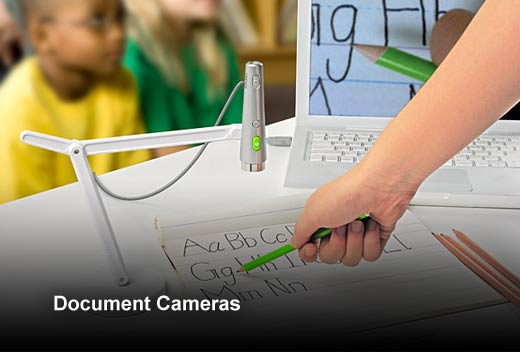
Document Cameras
An affordable document camera is a great tool to help teachers reduce their carbon footprint. With a doc cam, teachers can display worksheets, quizzes and more to the entire classroom, eliminating the need for multiple copies. This not only allows teachers to be “greener” in their classrooms, but also offers a more visual, hands-on experience to actively engage students in the learning process. Here are a few more ways teachers can think outside of the box with a doc cam.
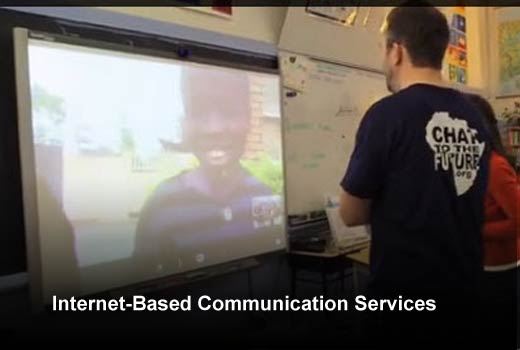
Internet-Based Communication Services
There are many inexpensive and highly effective Internet-based communication services on the market. Skype in the Classroom is a great example. Teachers use Skype to sync with other schools, connect with influential guest speakers, and take virtual field trips from anywhere in the world. Teachers also use communication services, like Skype, as a free global community to connect with other teachers behind the scenes to collaborate and share ideas.
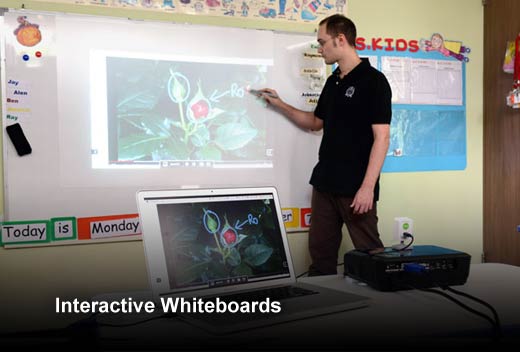
Interactive Whiteboards
Interactive whiteboards, often referred to as SMART boards, are rapidly transforming the classroom. With this type of technology, board lessons are much more dynamic, multimodal and interactive. For example, IPEVO’s interactive whiteboard lets teachers archive and share all their lesson plans. They also can instantaneously revisit and review past lessons to reinforce learning in a way that was never possible in the past. Students can also work together on the whiteboard for a joint task or demonstration, which increases their engagement as a group.
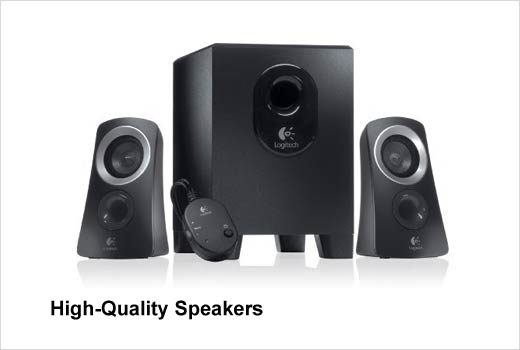
High-Quality Speakers
In today’s digital world, teachers use programs like Adobe Connect, GoToMeeting, Google Hangouts, Skype and similar VoIP services for remote meetings. These services are convenient, but the quality from a tablet or laptop’s built-in speakers is often poor, especially for a large group setting. Purchasing high-quality speakers or a hassle-free Internet conferencing station will ensure a superior audio experience. This is an imperative asset during remote meetings.
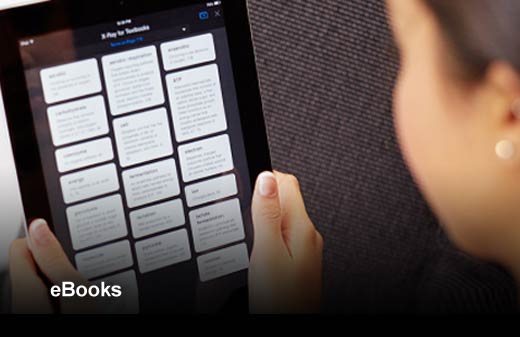
eBooks
eBooks are convenient and low-cost alternatives to traditional textbooks. Whether students have a smartphone, tablet or laptop, eBooks can be loaded and accessed on multiple devices for easy access to an entire library. For example, eTextbooks from Amazon allows students to take digital notes. Many eBooks also come equipped with features to increase student interaction, like multi-colored highlighting, summaries of key concepts and digital flash cards.